

Created
:2026.06.24

Performance metrics during the contest period and overall rankings can be checked at any time by logging into Client Manager. This guide covers how to switch from the individual portfolio screen to the contest-specific screen, how to check the period performance of accounts participating in the contest, and how to use the leaderboard screen to view the trading status of other participants.
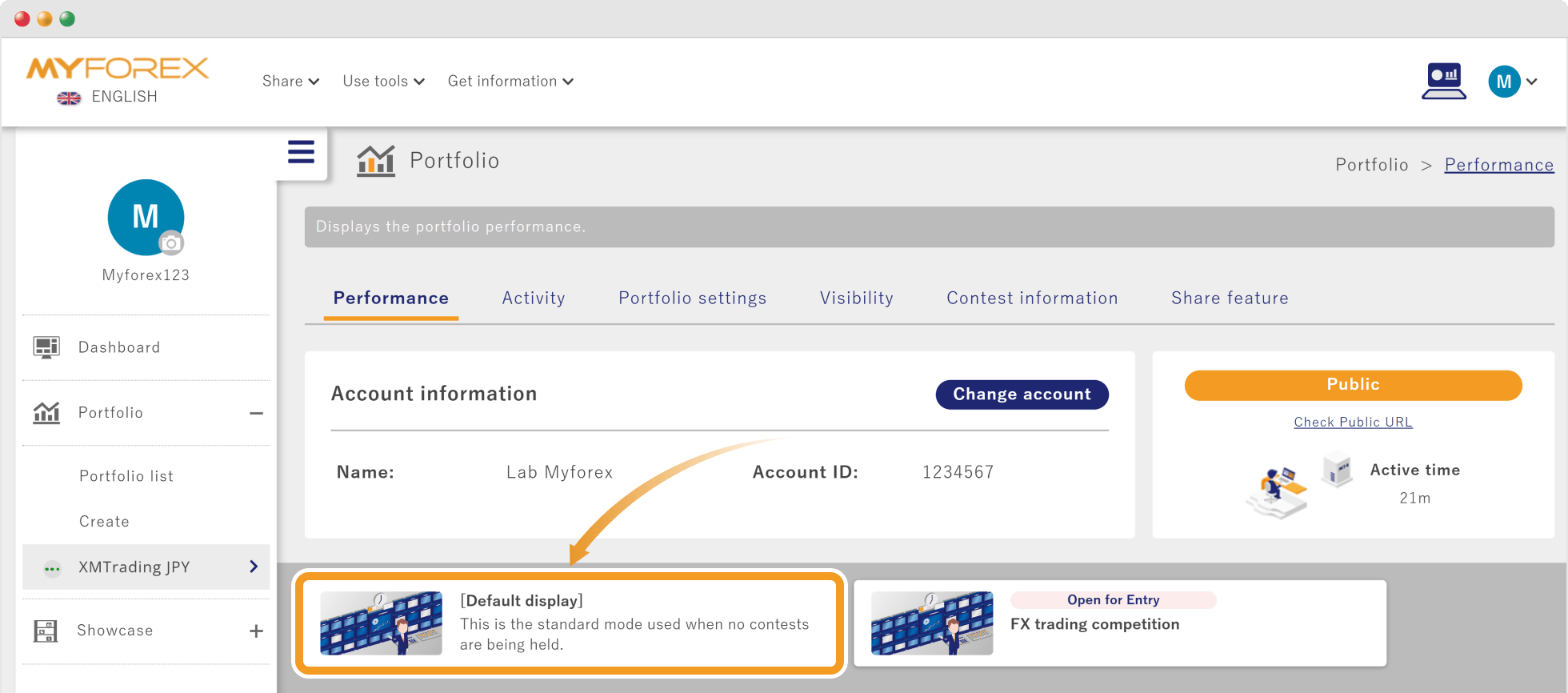
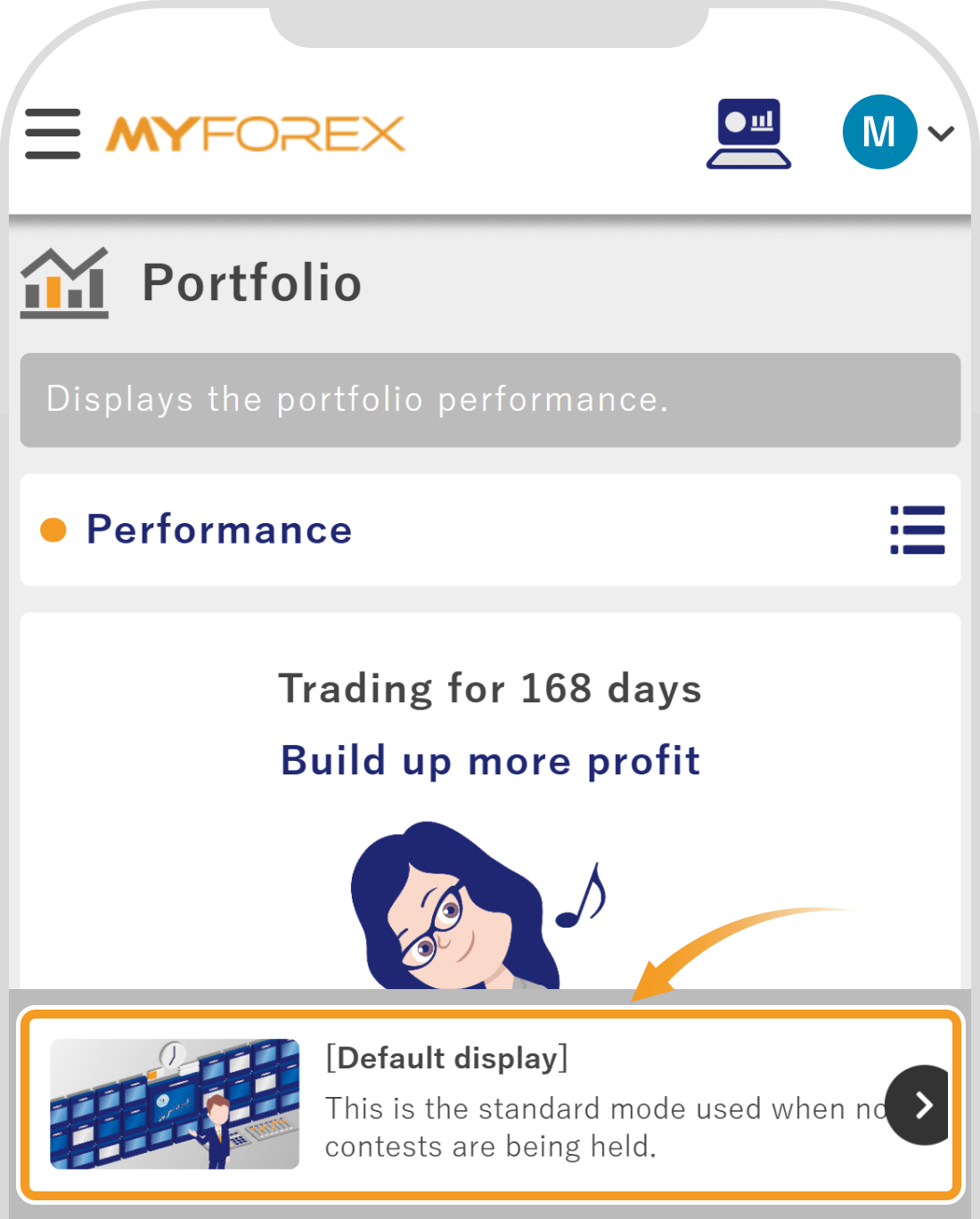
On the individual portfolio screen within Client Manager, you can switch between the following two display modes by selecting the card buttons at the bottom of the screen.
Displays your standard performance for the entire period since the account was opened.
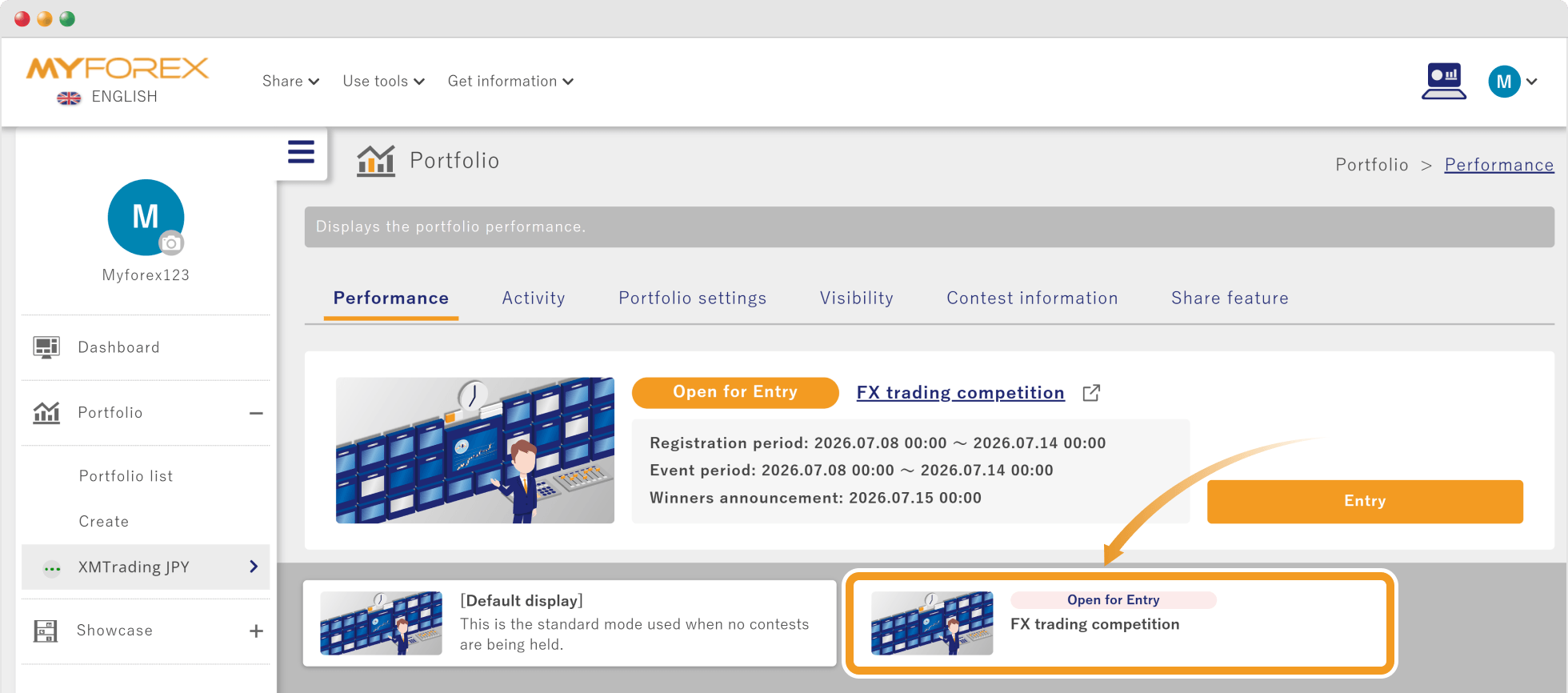
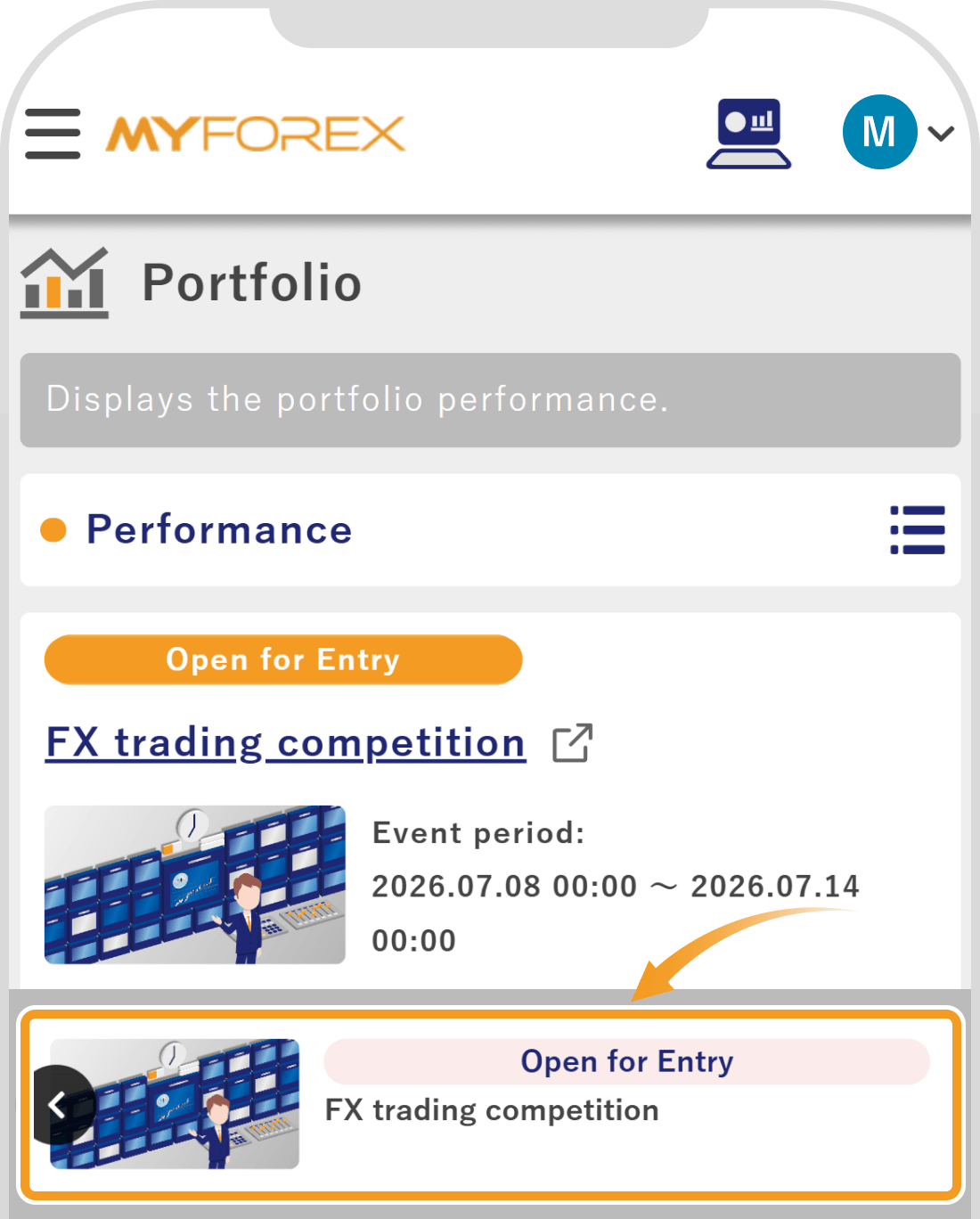
The display switches to show only the performance during the contest period, along with contest-specific menus.
After logging in to Client Manager, open the left sidebar and click the portfolio that participated in the contest under "Portfolio".
After logging in to Client Manager, tap the 3 lines icon in the top left corner and tap the portfolio that participated in the contest under "Portfolio".
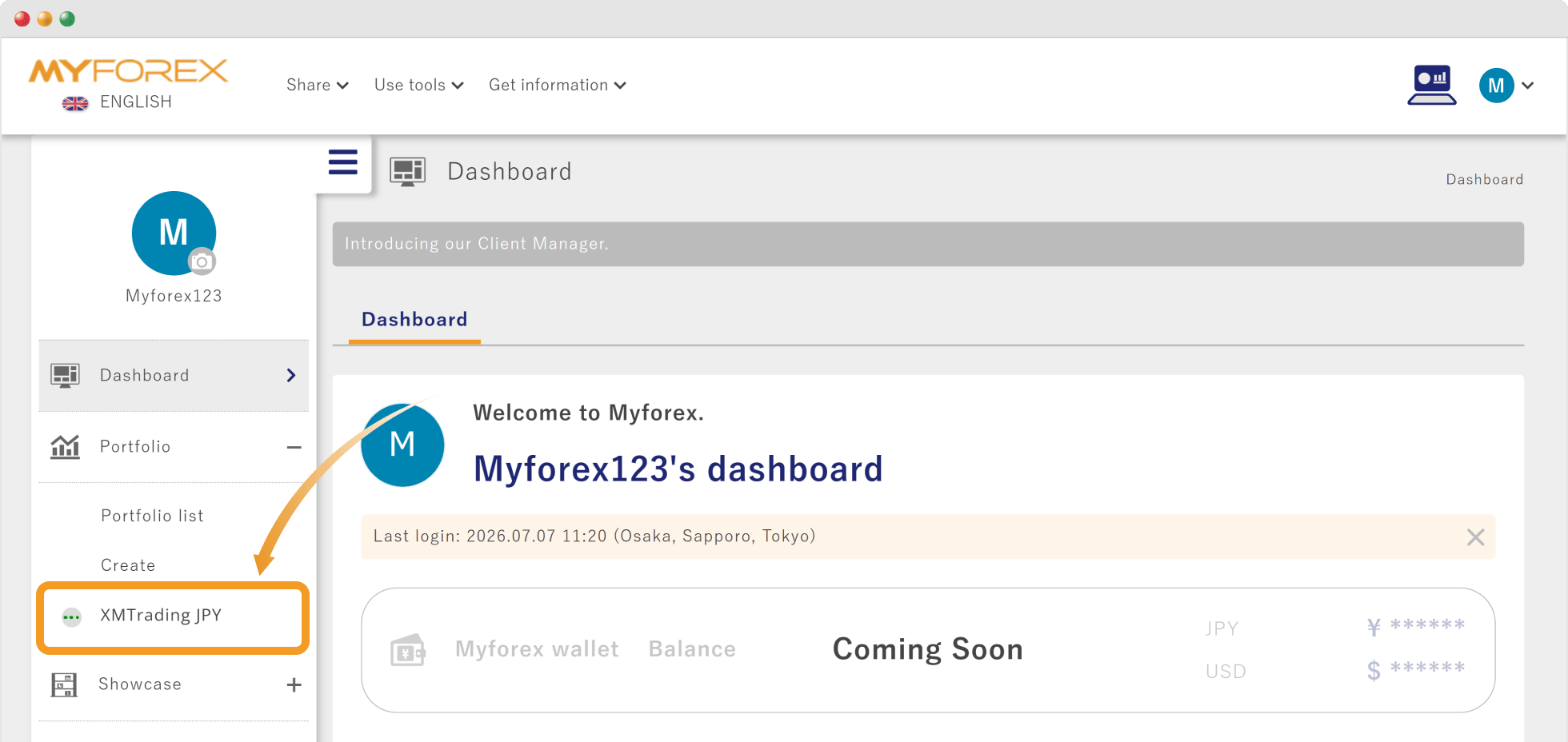
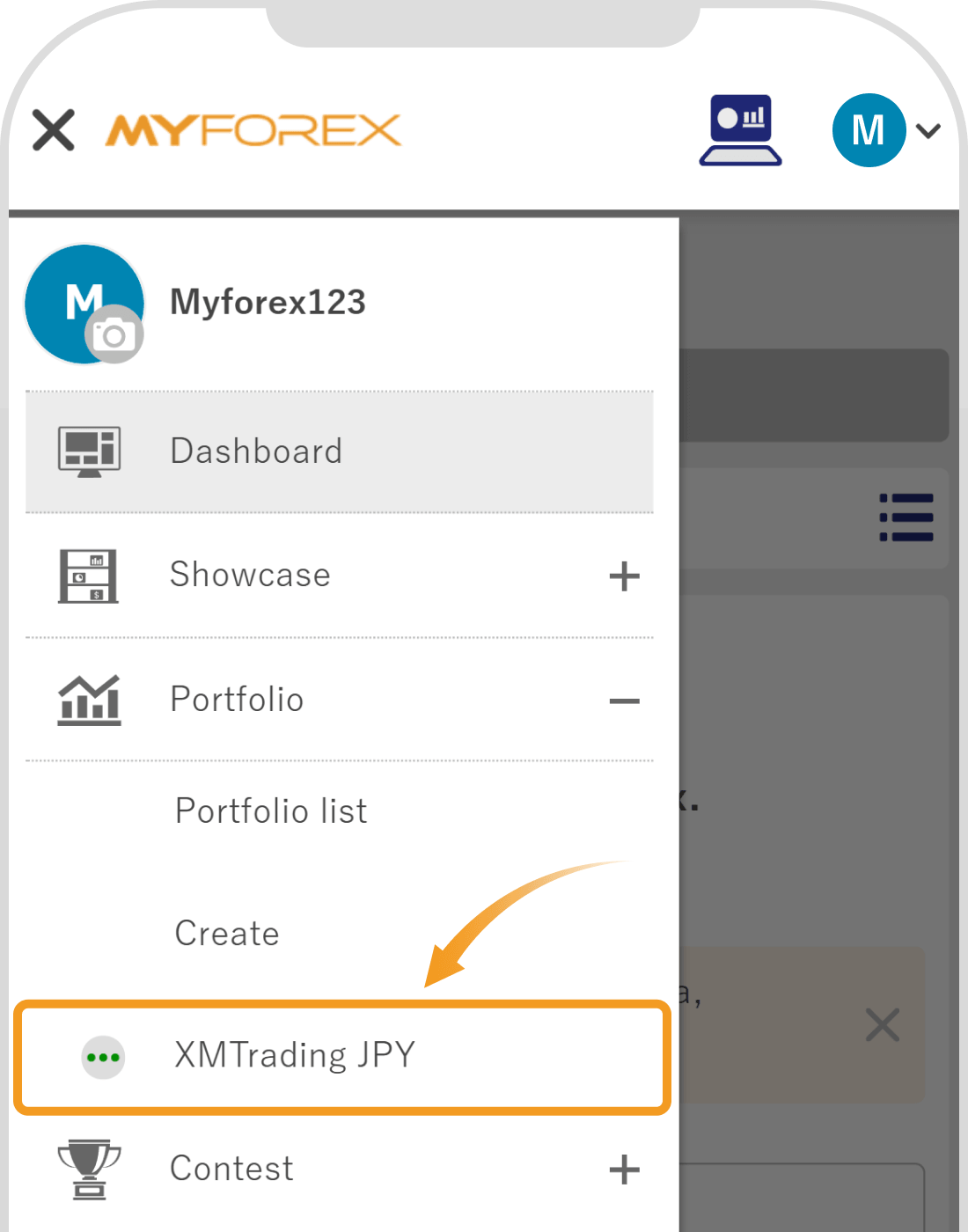
Click the contest name on the card button at the bottom of the portfolio screen.
Tap the contest name on the card button at the bottom of the portfolio screen.
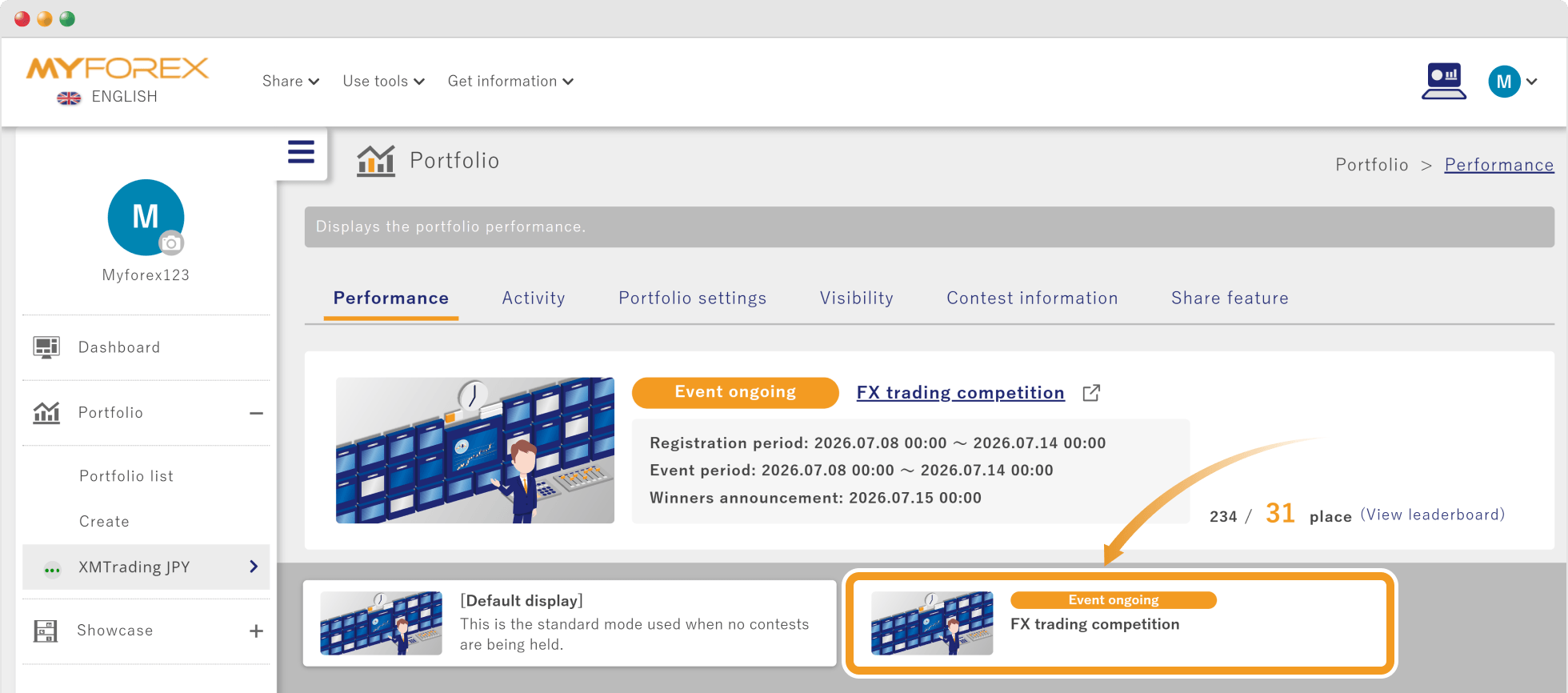
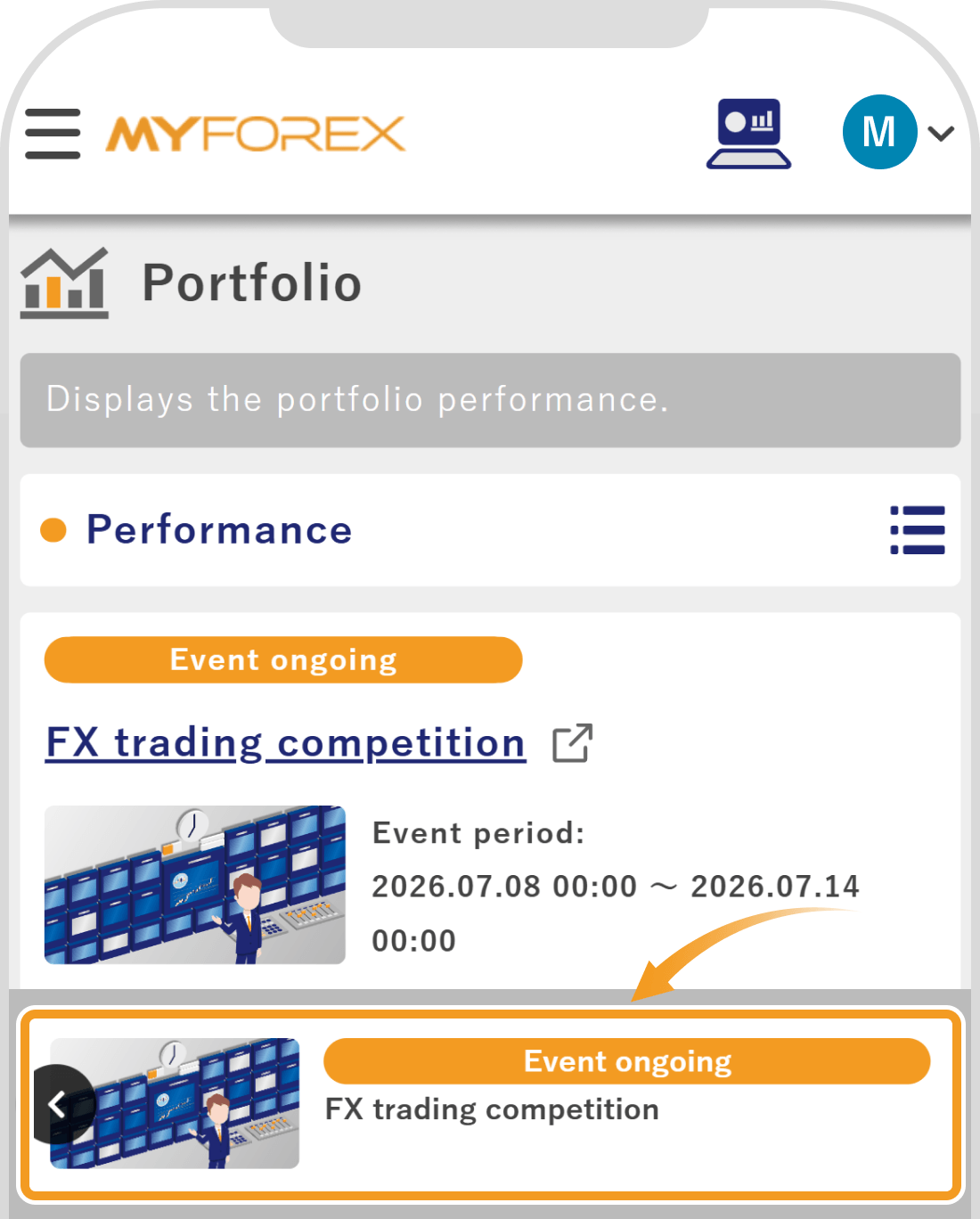
Information and performance graphs of the trading account participating in the contest will be displayed, allowing you to check the real-time status.
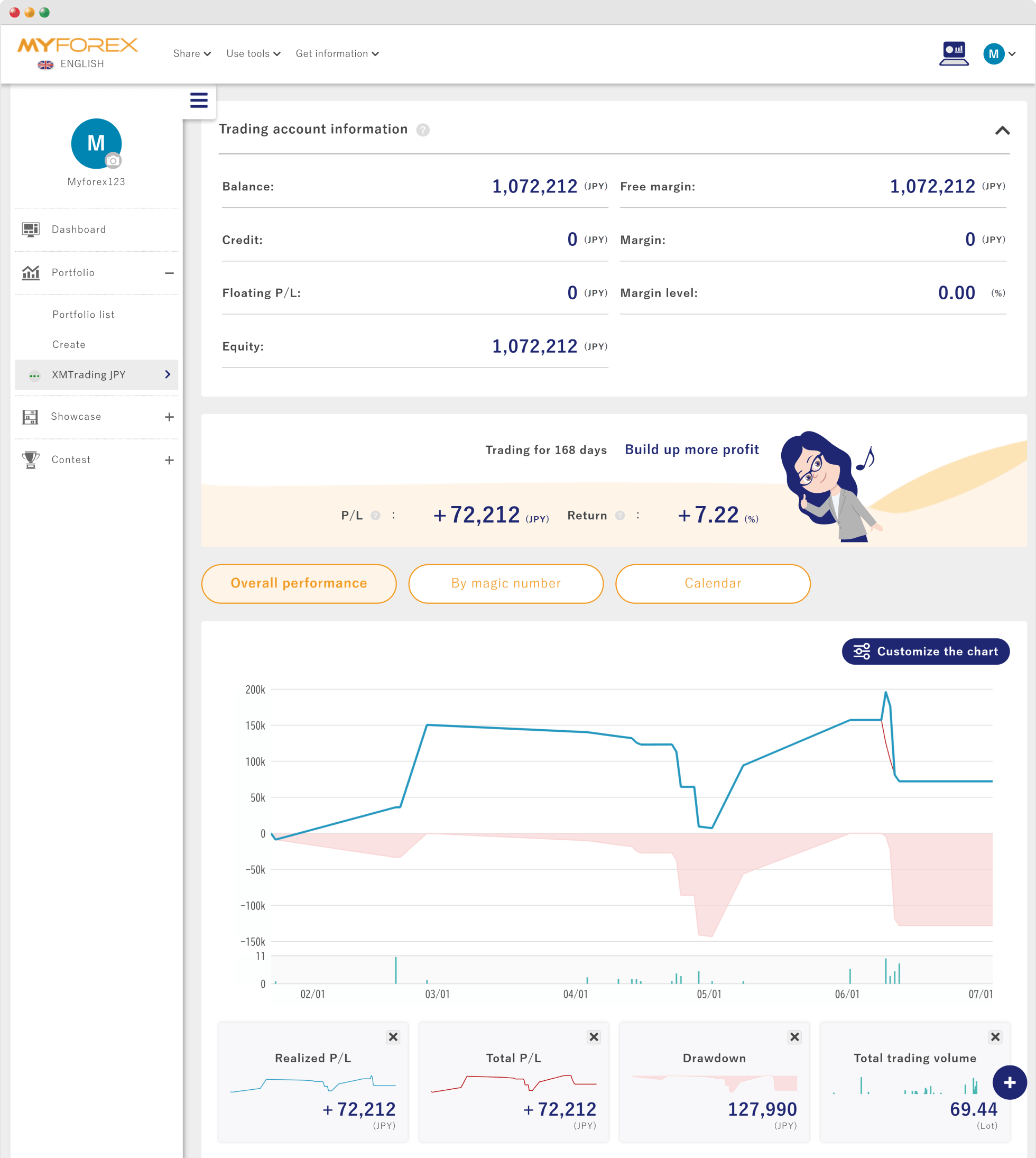
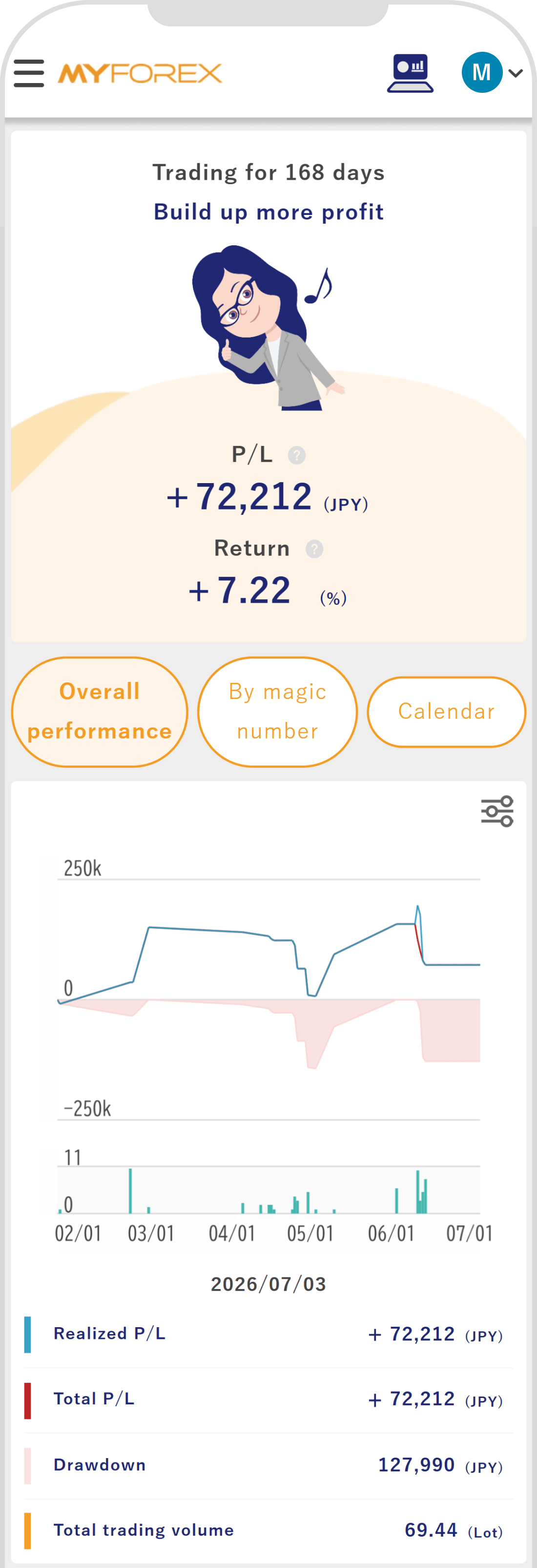
For details on the performance screen, please refer to the FAQ below.
Related article:
If you want to check the overall ranking (order), click "View leaderboard" next to the rank in the summary information.
If you want to check the overall ranking (order), tap "View leaderboard" below the summary information.
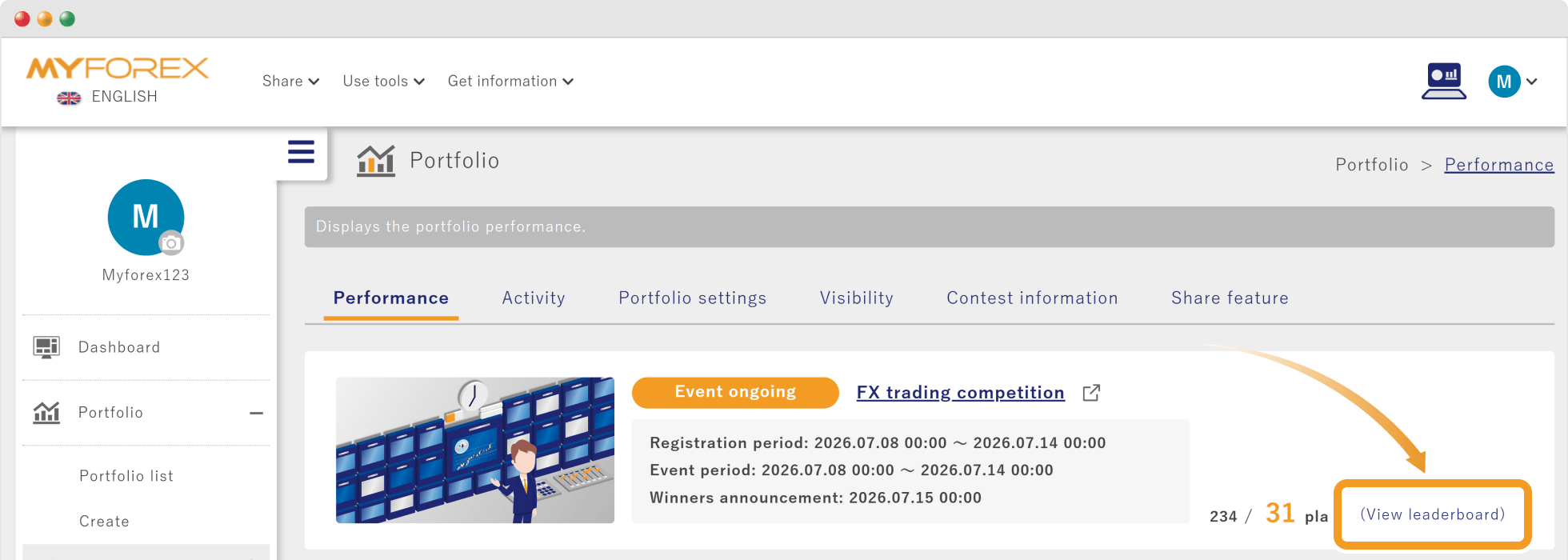
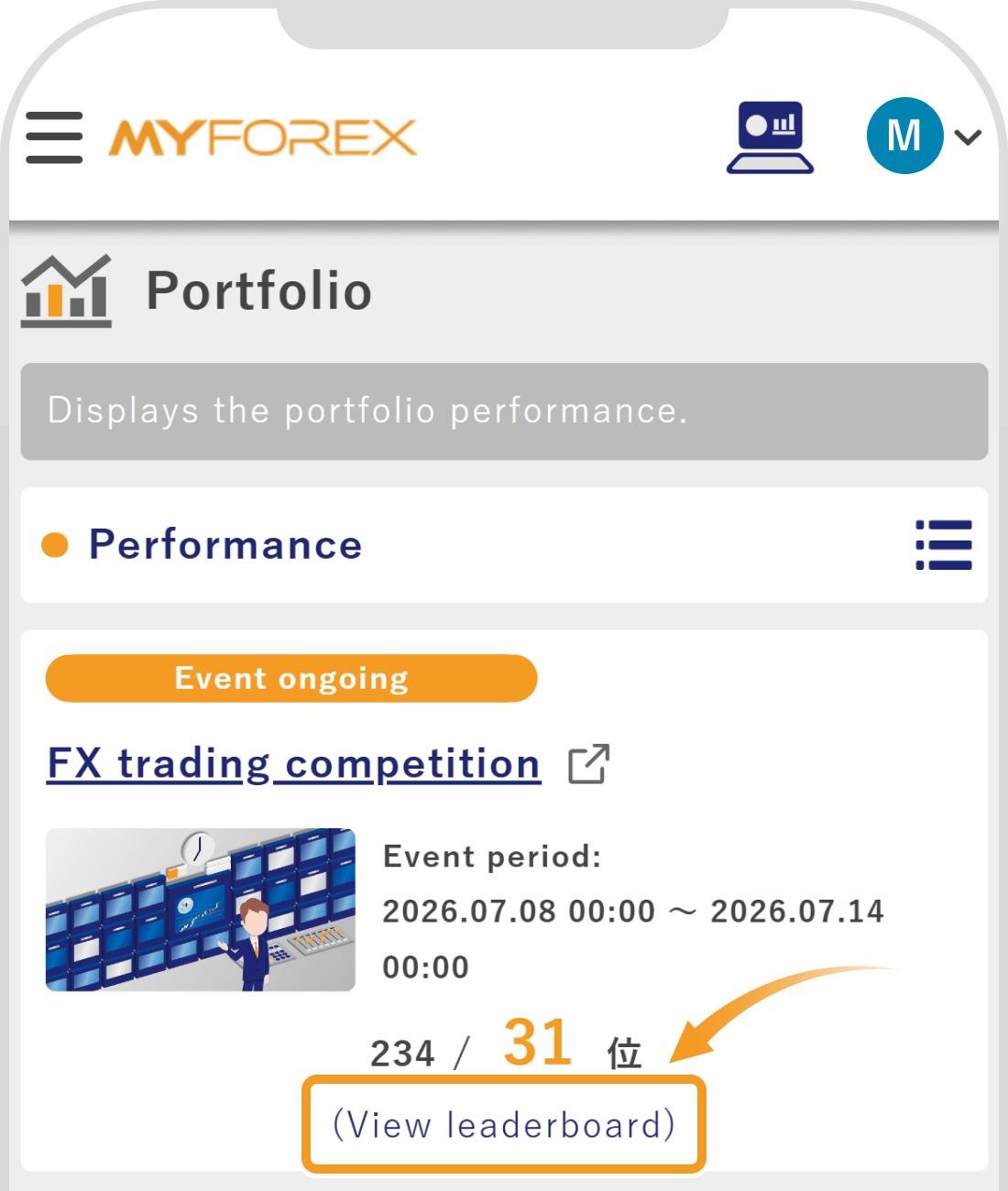
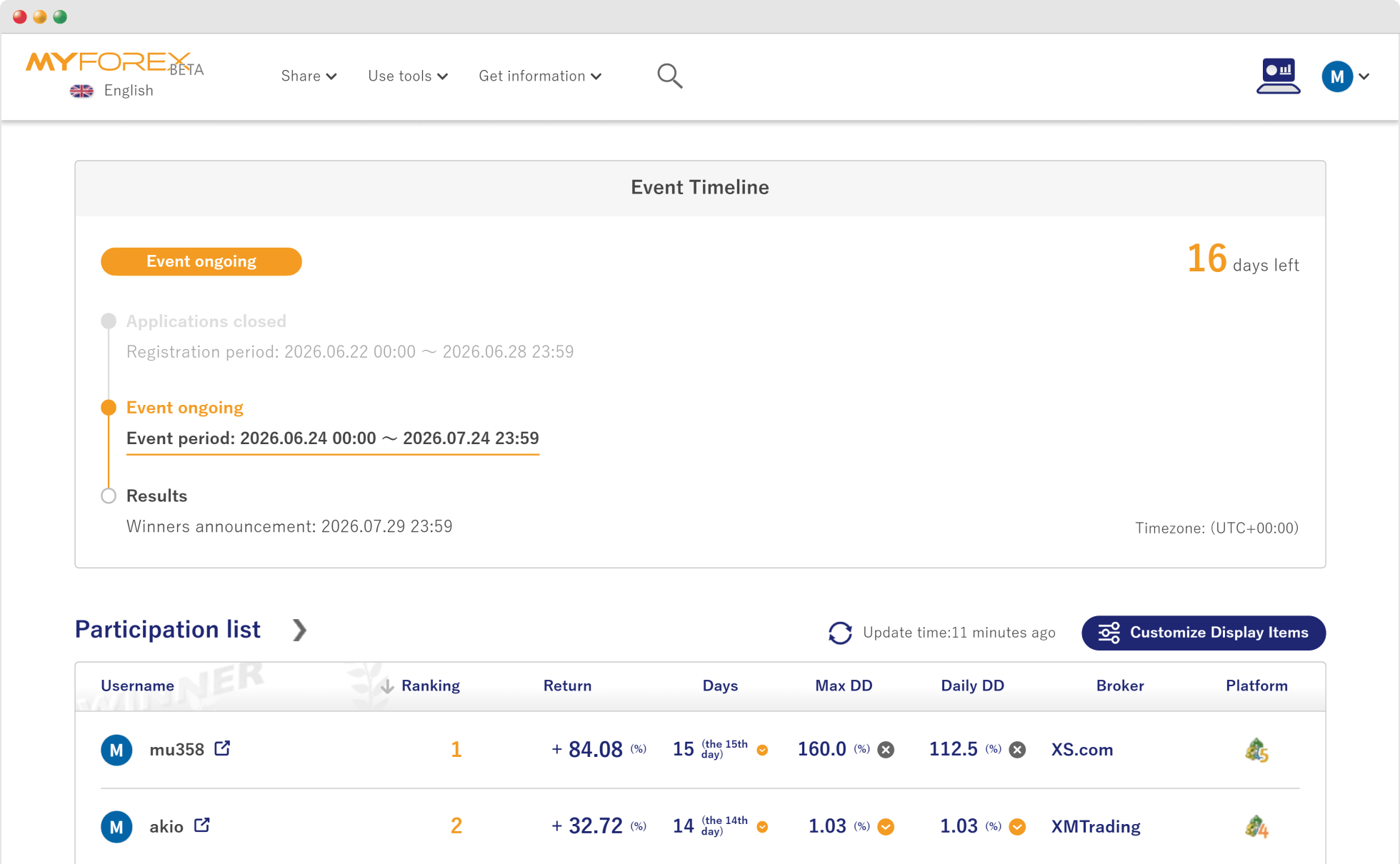
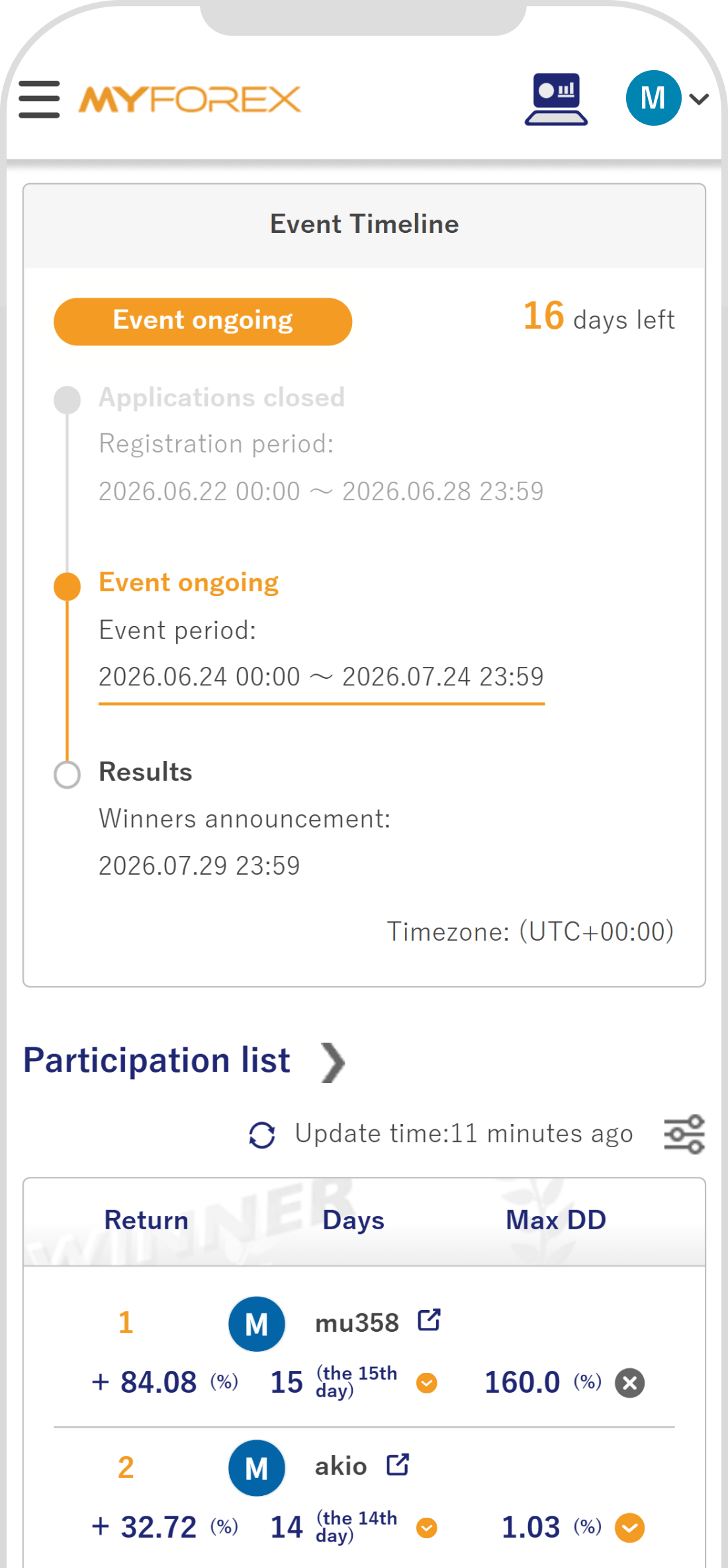
The leaderboard screen will open in a new tab, and you can check the following information.
Depending on the contest, some displayed items and contents may differ slightly.
You can check everything at a glance, from the entry registration period and the contest period to the timing of the contest result announcement.
In addition to real-time rankings and period return rates being displayed, you can also check other participants' portfolios.

Created
:2026.06.24

Last updated
:2026.08.25
That’s Great!
Thank you for your feedback
Sorry! We couldn't be helpful
Thank you for your feedback
Feedback sent
We appreciate your effort and will try to fix the article
We hope you find this article useful. Any comments or suggestions will be greatly appreciated.
We are also looking for writers with extensive experience in forex and crypto to join us.
Please contact us at support@myforex.com

Disclaimer:
All information and content provided on this website is provided for informational purposes only and is not intended to solicit any investment. Although all efforts are made in order to ensure that the information is correct, no guarantee is provided for the accuracy of any content on this website. Any decision made shall be the responsibility of the investor and Myforex does not take any responsibility whatsoever regarding the use of any information provided herein.
The copyright in our content belongs to us.
We welcome your use of our content within appropriate limits, including use through our sharing features, sharing on social media, and quotation. However, please refrain from unauthorized reuse, including but not limited to commercial use, reproduction with modification of content, or reproduction on websites that compete with us. We may take necessary measures, including but not limited to deletion of the relevant content, if we consider that the content has been used in an inappropriate or unauthorized manner.