

Created
:2026.06.16

A contest is an event where participants compete based on the investment performance of their registered portfolios over a specific period. You can apply to participate by completing the entry procedure, and your participation becomes official once the operator reviews and accepts your entry. Standings fluctuate in real-time during the event, and performance metrics exclusive to the contest period can also be reviewed.
This FAQ explains how to enter the contest as well as how to cancel your entry.
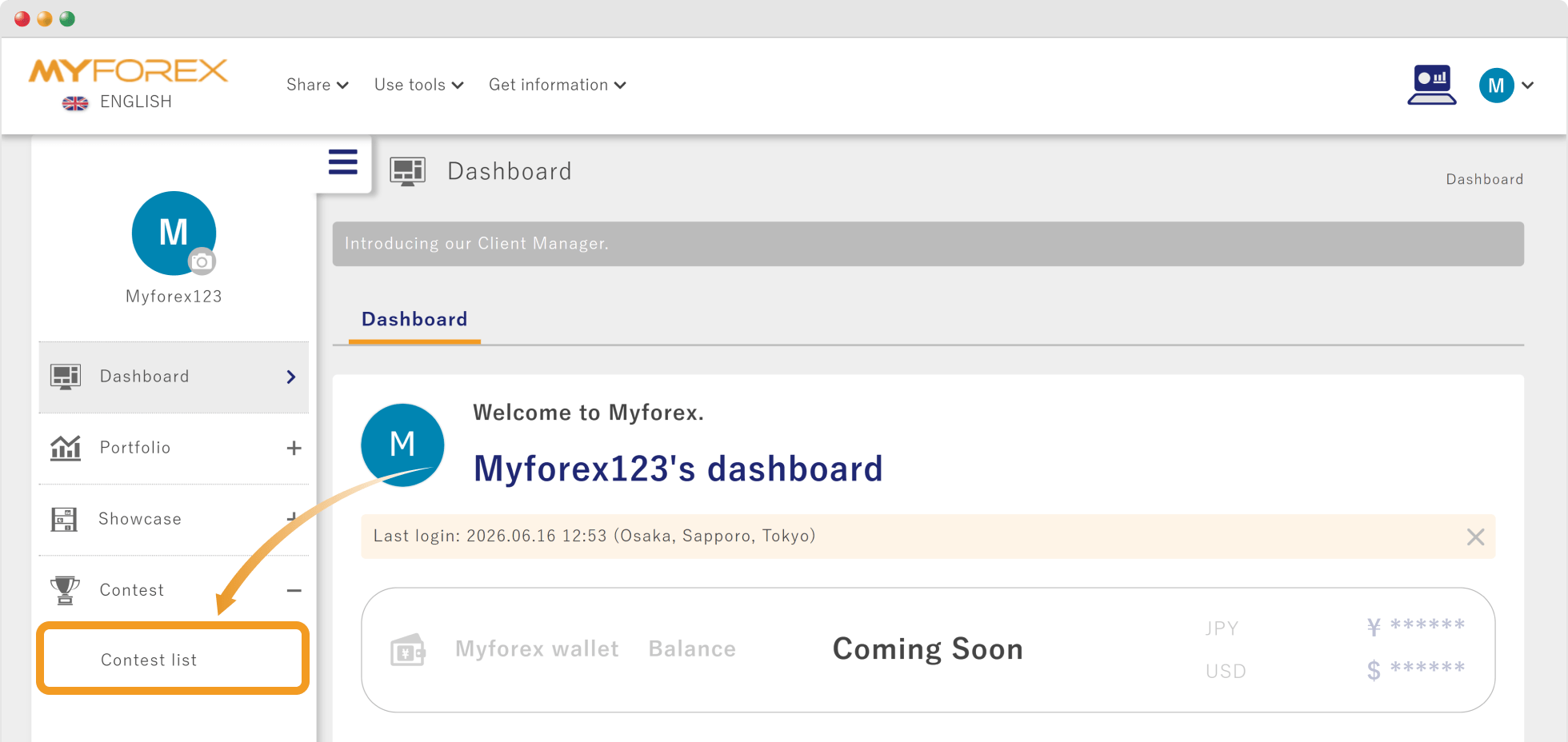
After logging in to Client Manager, open the left sidebar and choose "Contest list" under "Contest".
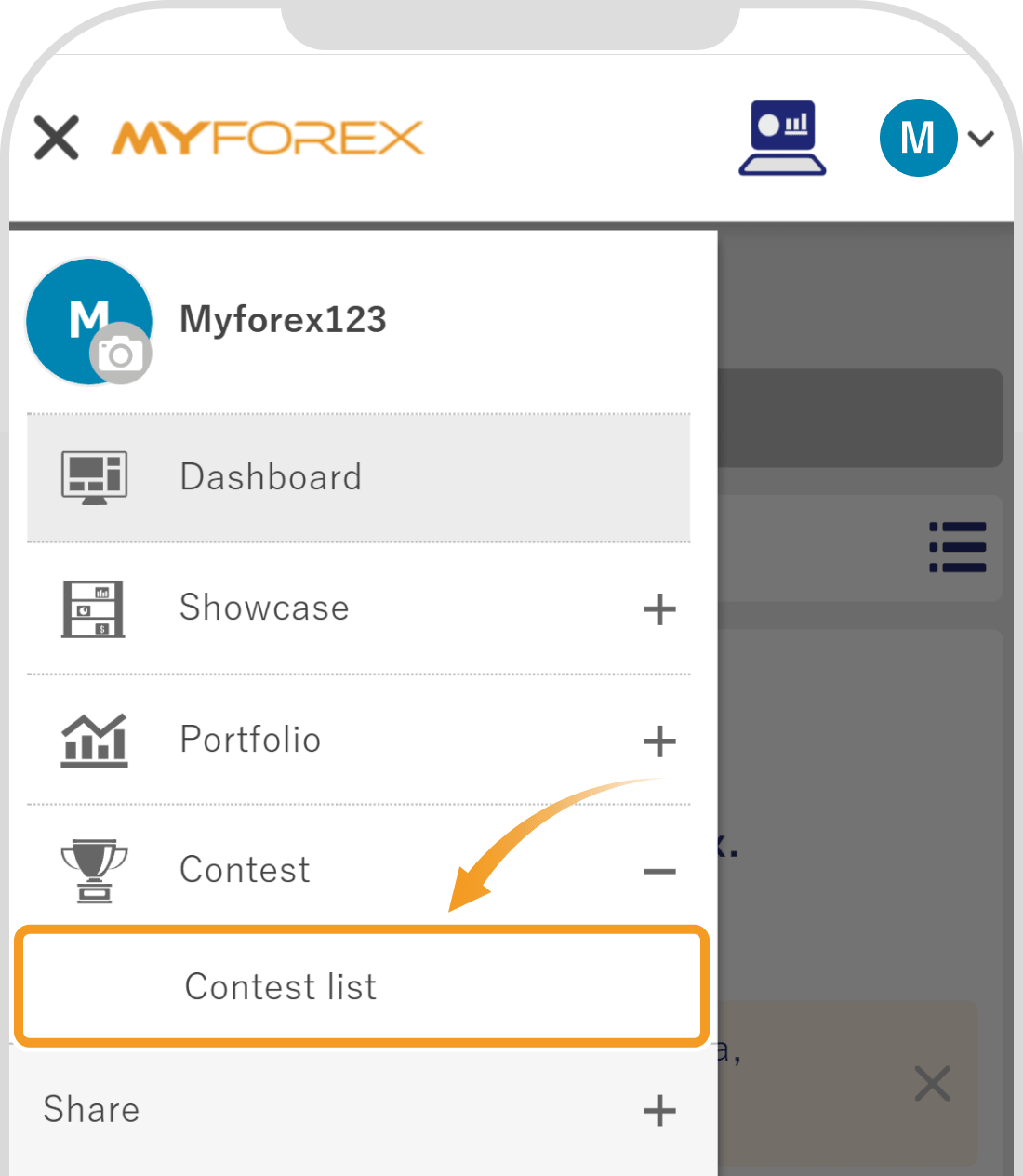
After logging in to Client Manager, tap the 3 lines icon (≡) in the top left corner and choose "Contest list" under "Contest".
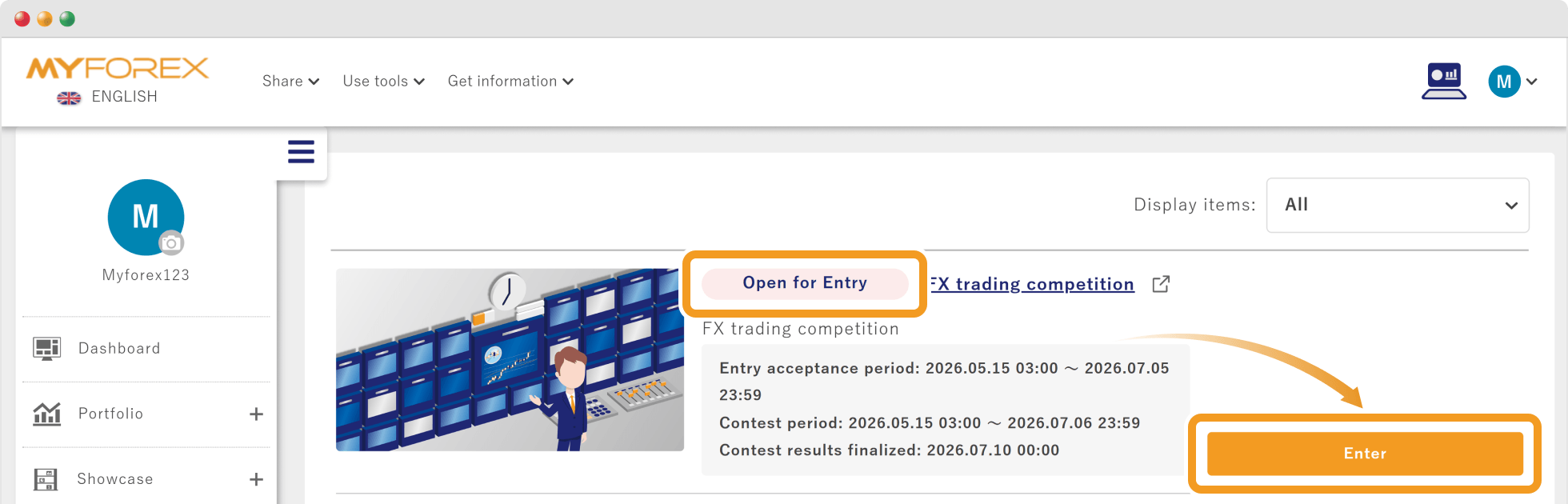
Contests available for participation will display "Open for Entry". Click "Enter" for the contest you wish to join.
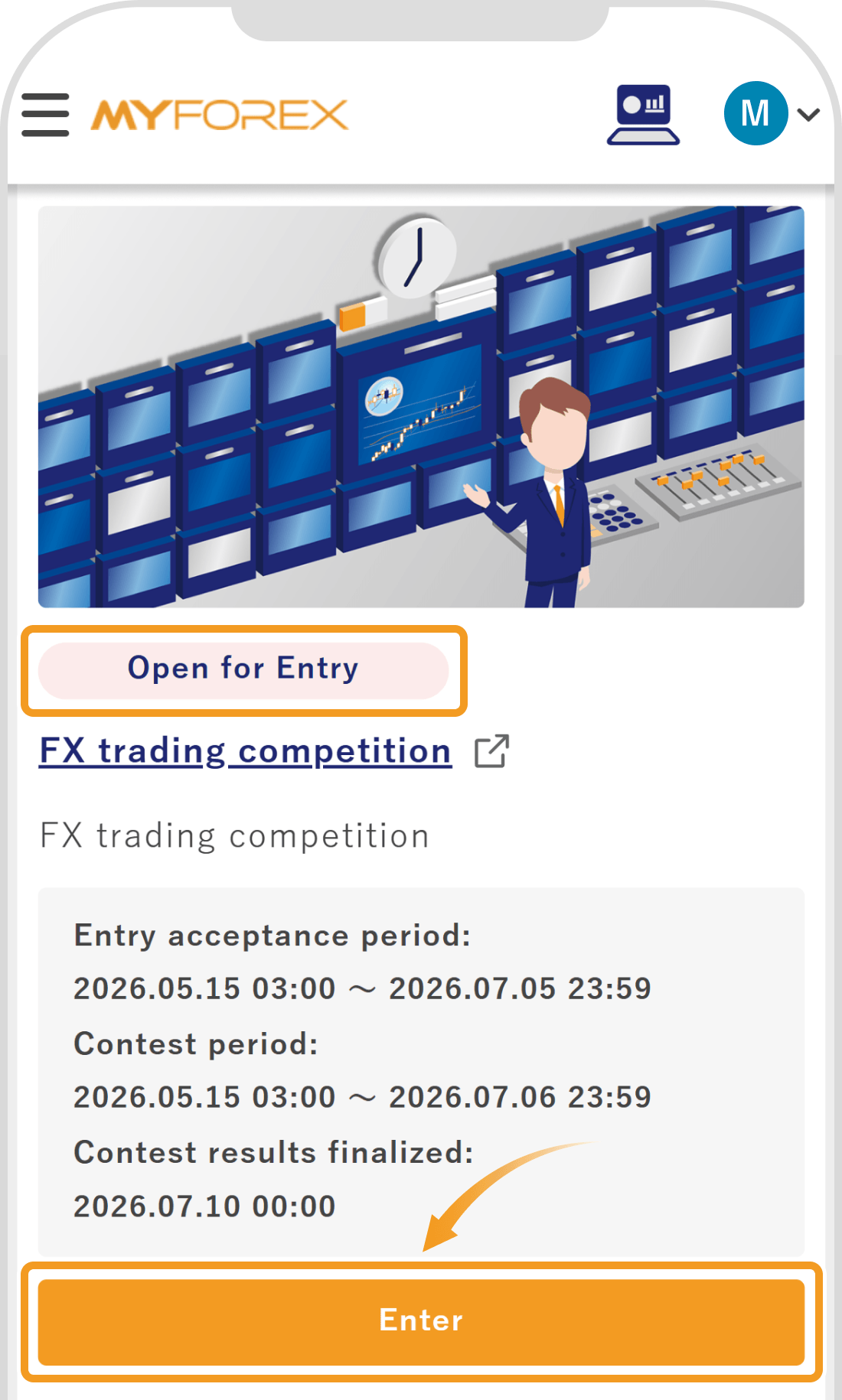
Contests available for participation will display "Open for Entry". Tap "Enter" for the contest you wish to join.
 Tip
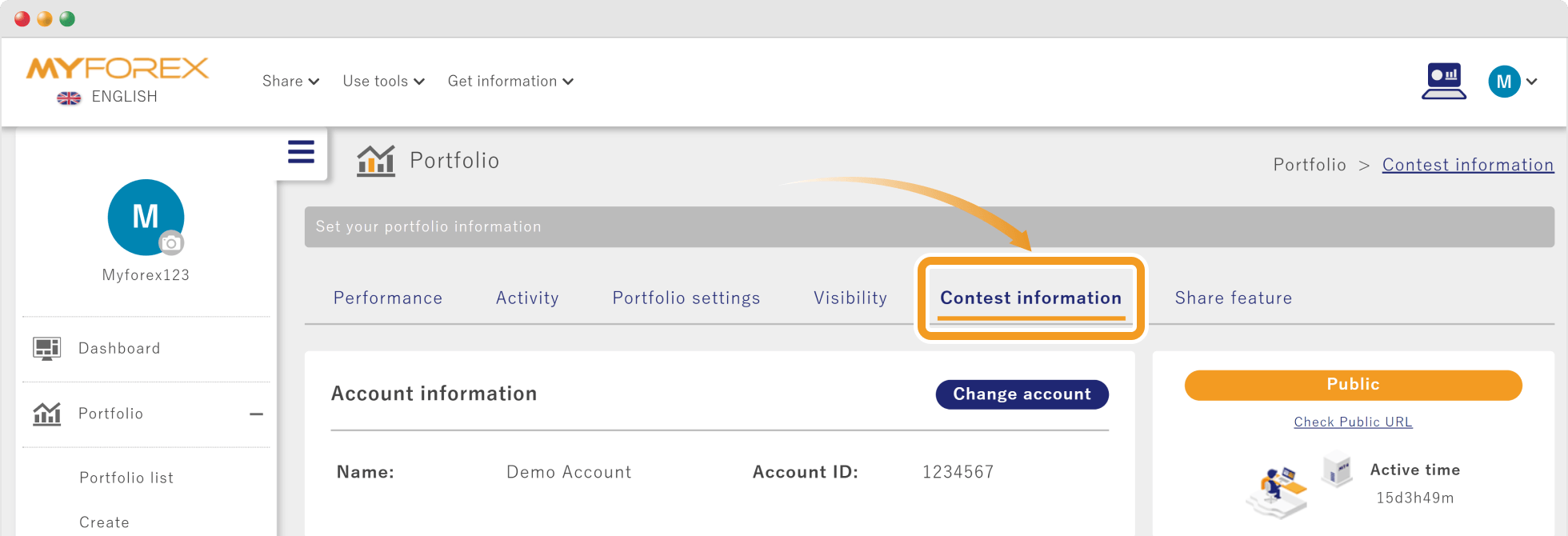
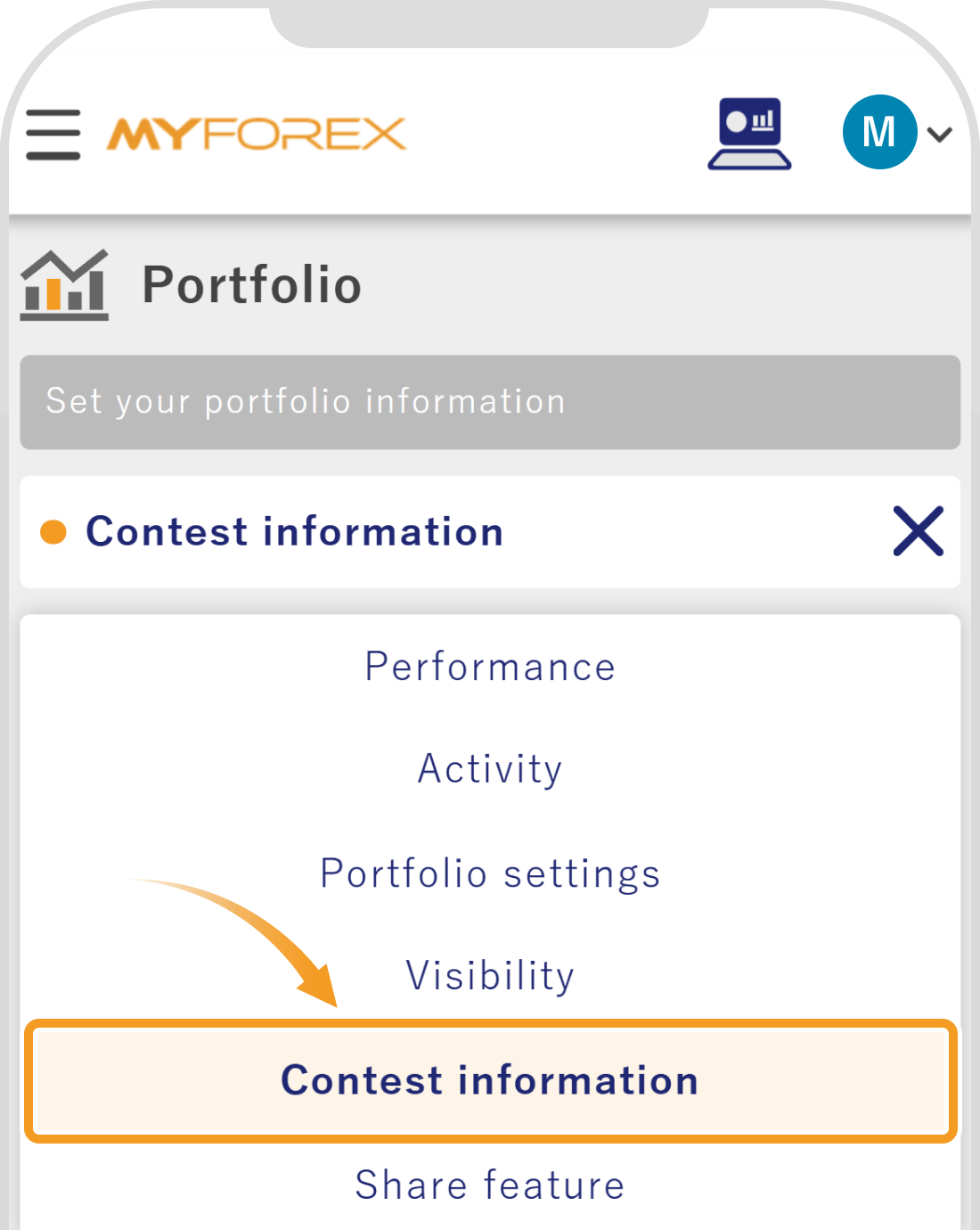
TipYou can enter a contest not only from the Contest list but also from the "Contest information" section within your registered portfolio screen. Please note that if you are viewing a portfolio that does not meet the eligibility requirements for the contest, the "Contest information" section will not be displayed.
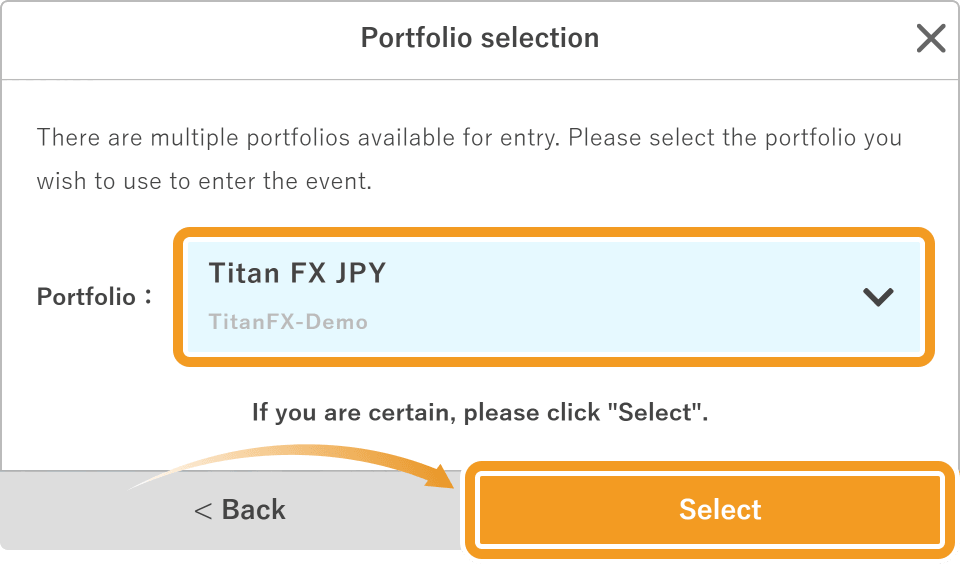
Select the portfolio you want to use to participate in the contest, then click "Select".
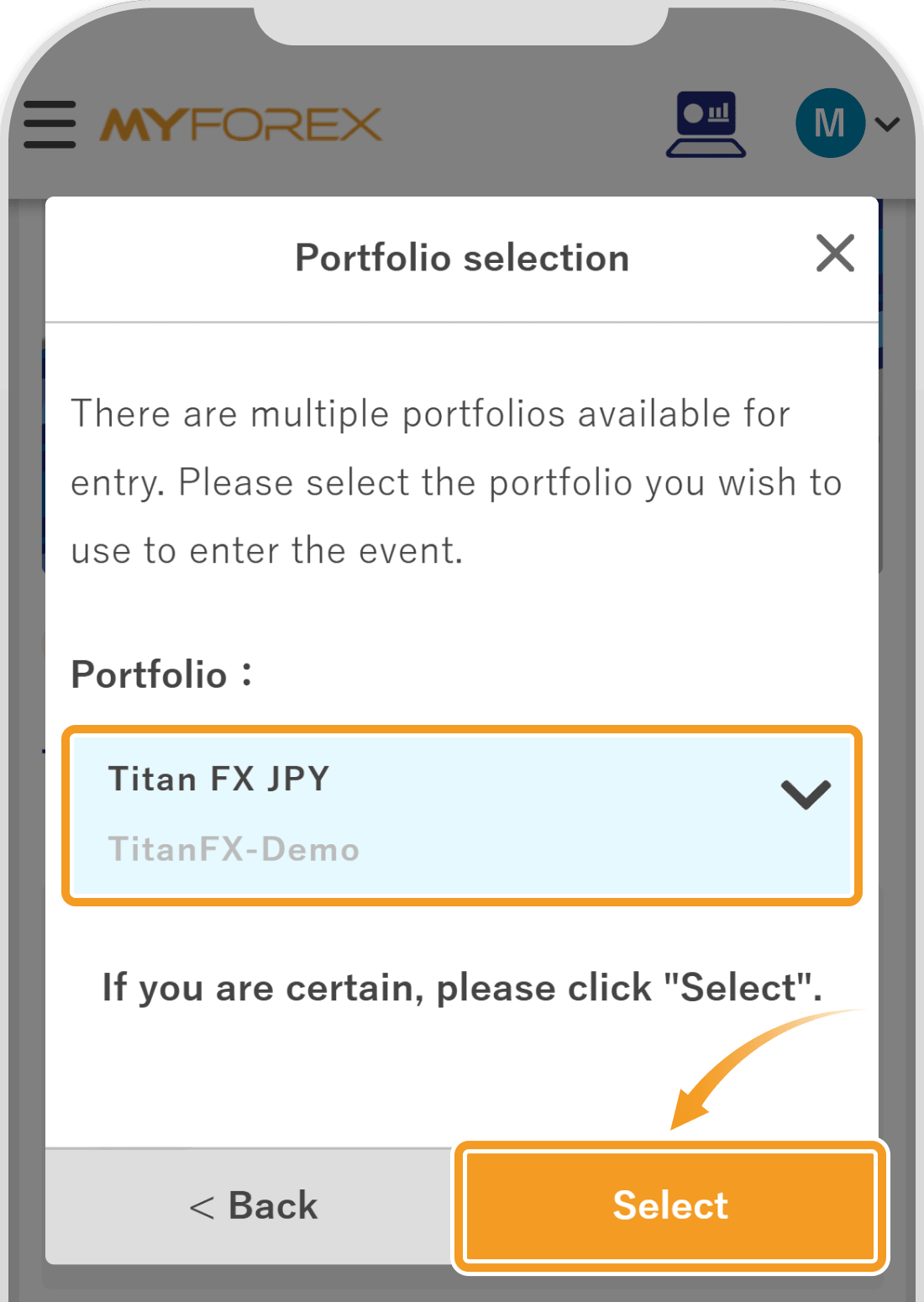
Select the portfolio you want to use to participate in the contest, then tap "Select".
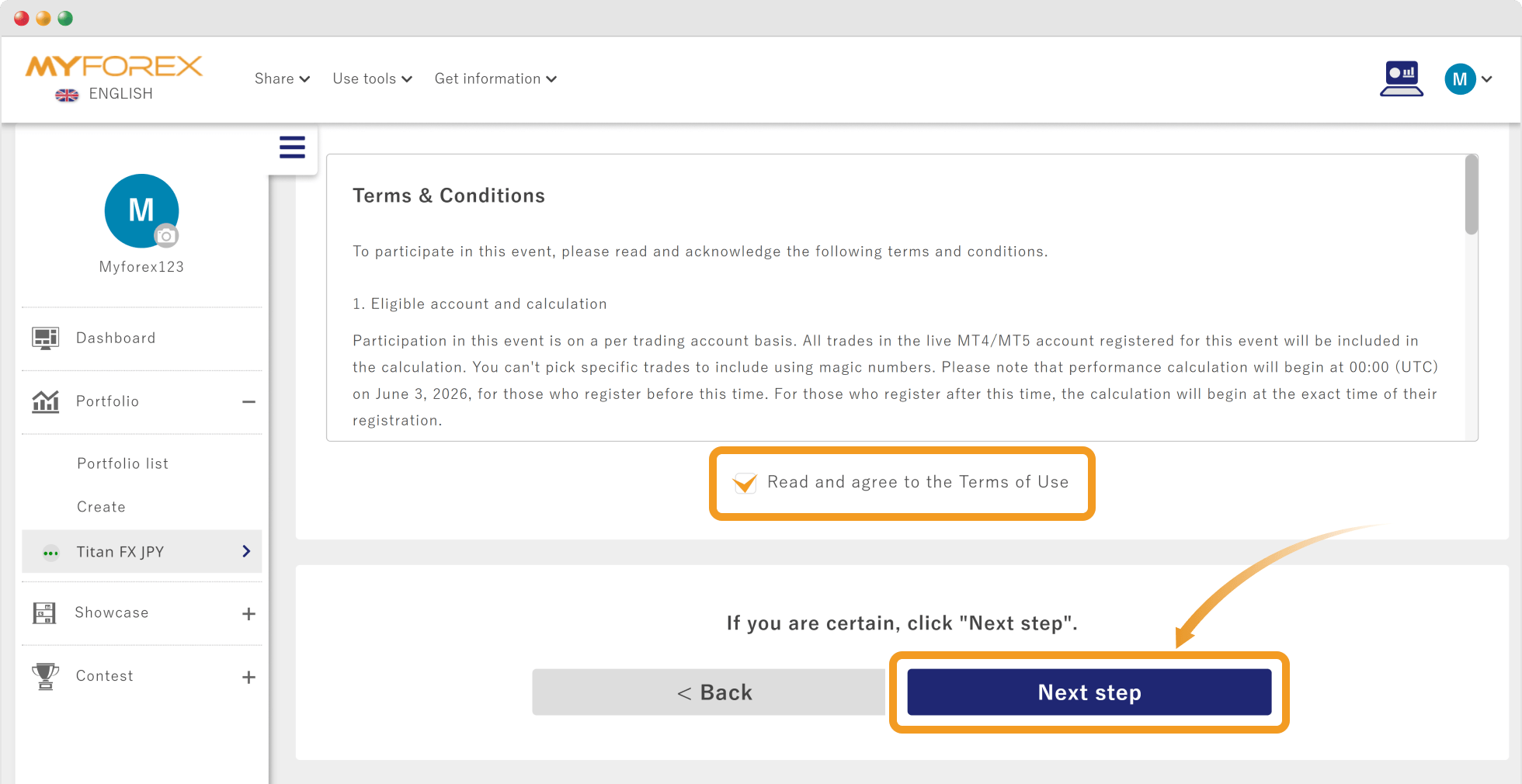
Please review the Terms & Conditions displayed under the Event information. If you agree to them, check the box for "Read and agree to the Terms of Use" and click "Next step".
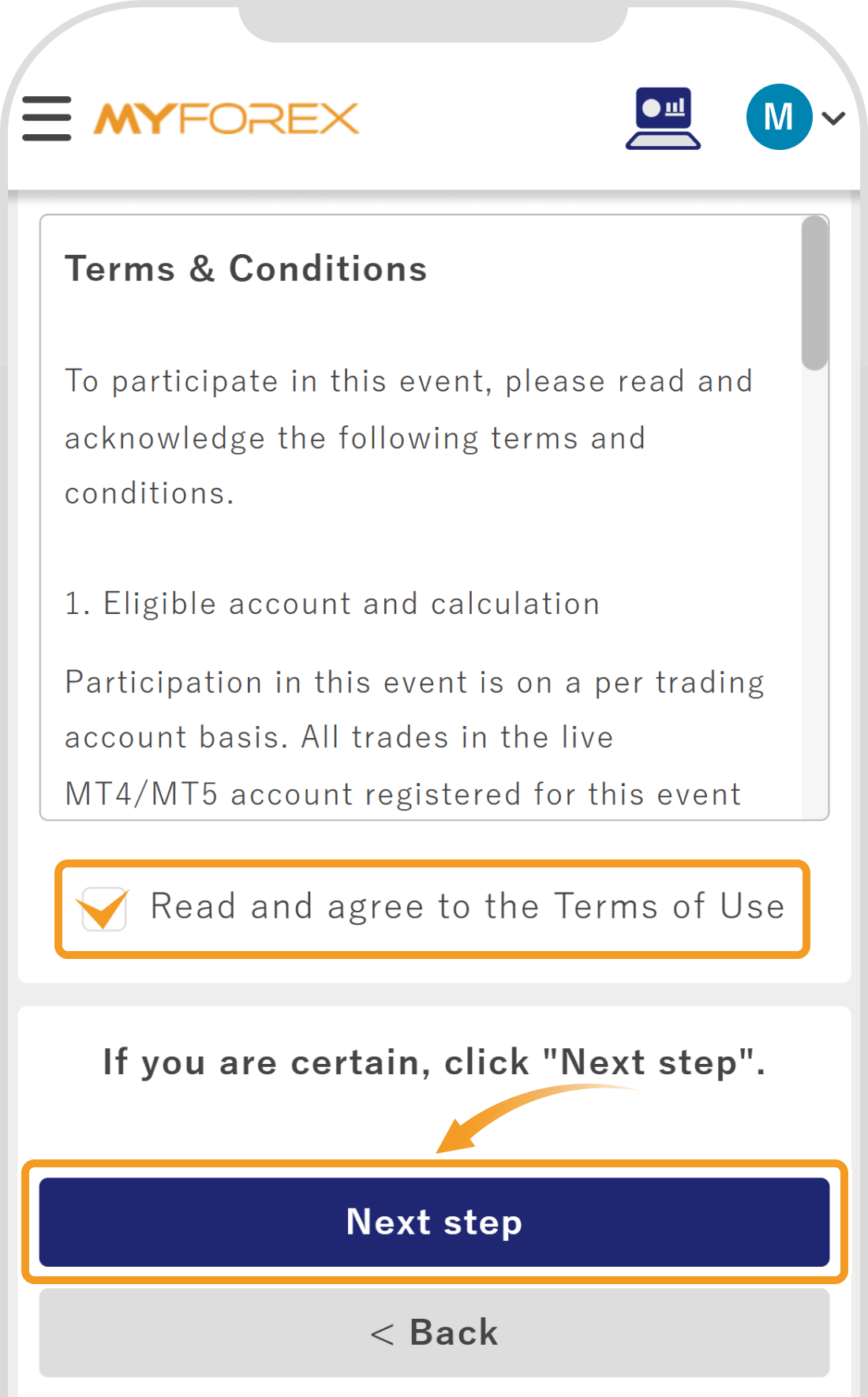
Please review the Terms & Conditions displayed under the Event information. If you agree to them, check the box for "Read and agree to the Terms of Use" and tap "Next step".
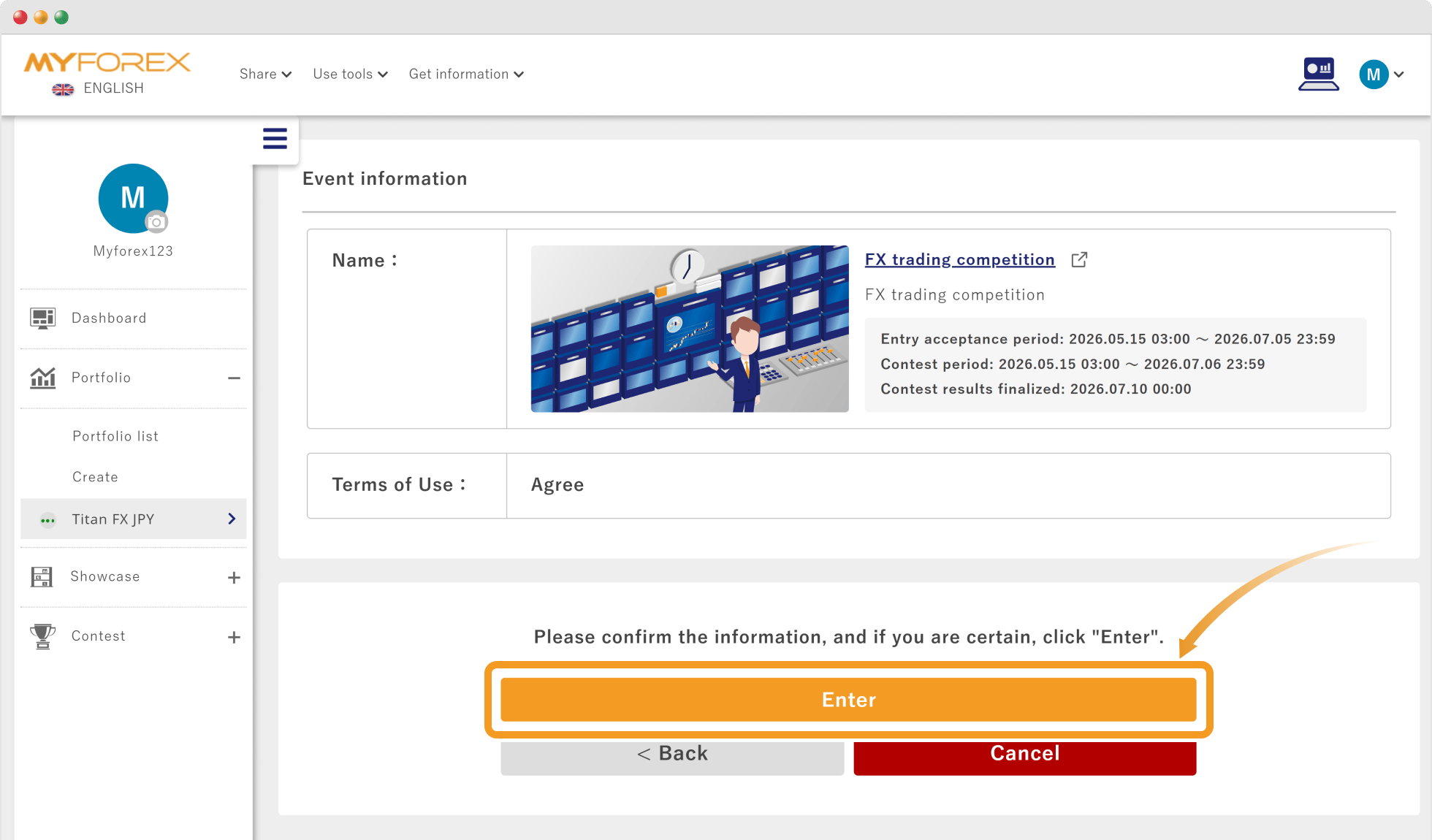
The details of your entering portfolio and the event information will be displayed. Verify that all information is correct, then click "Enter".
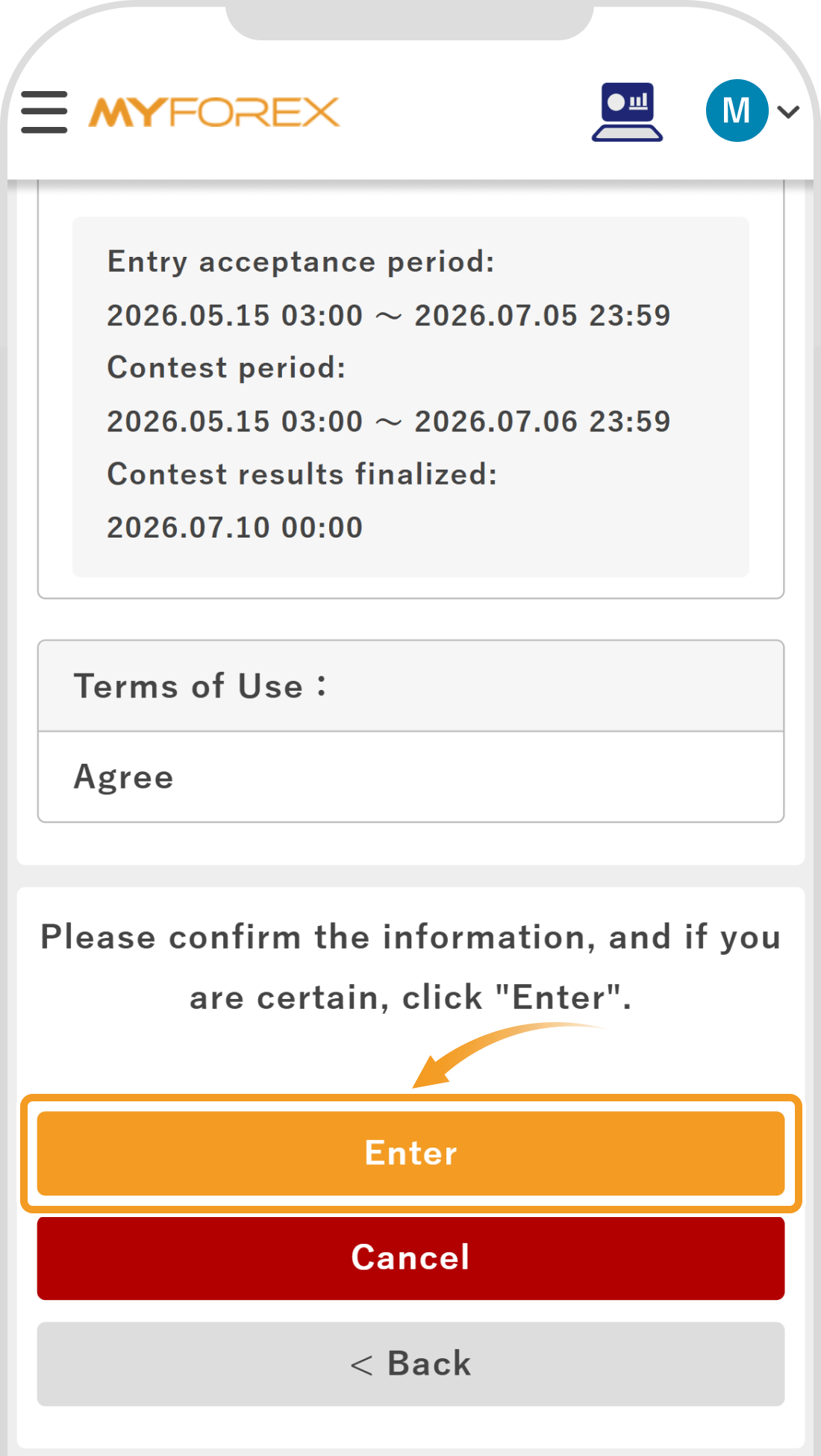
The details of your entering portfolio and the event information will be displayed. Verify that all information is correct, then tap "Enter".
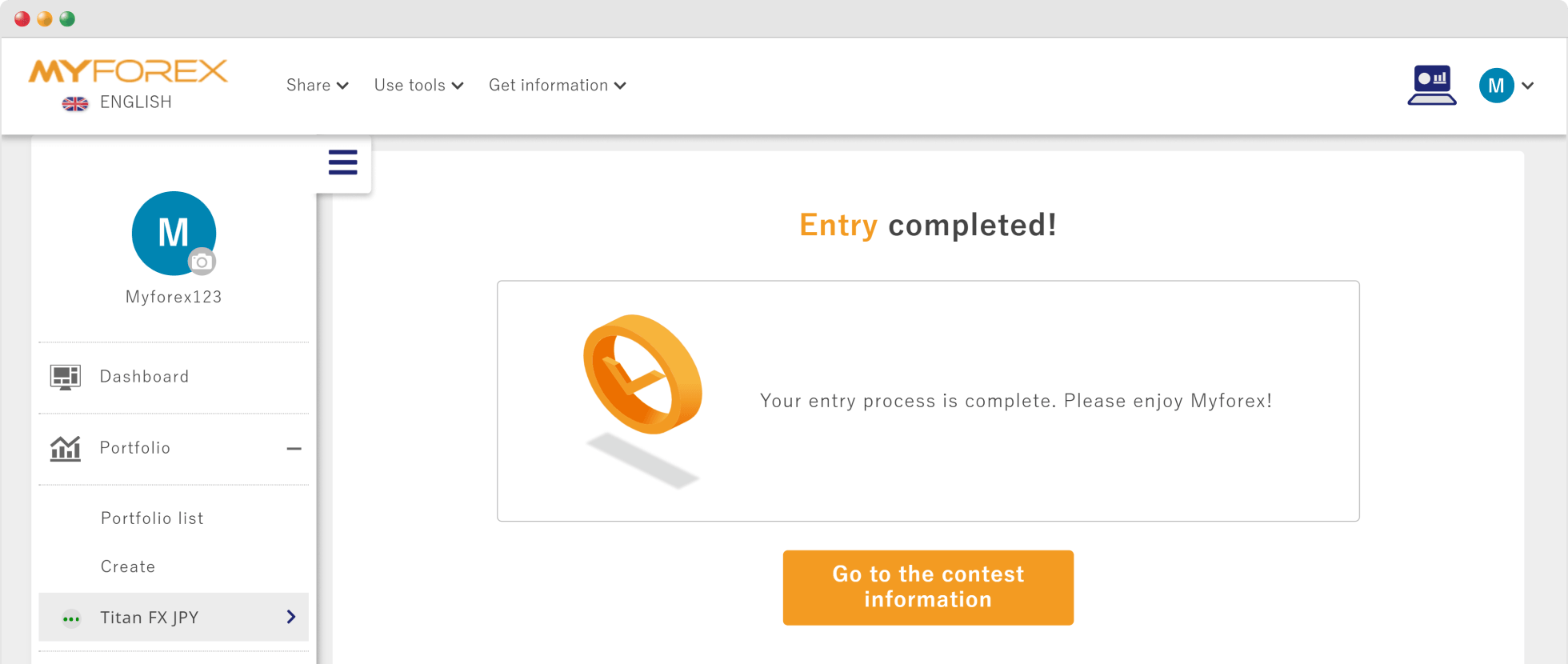
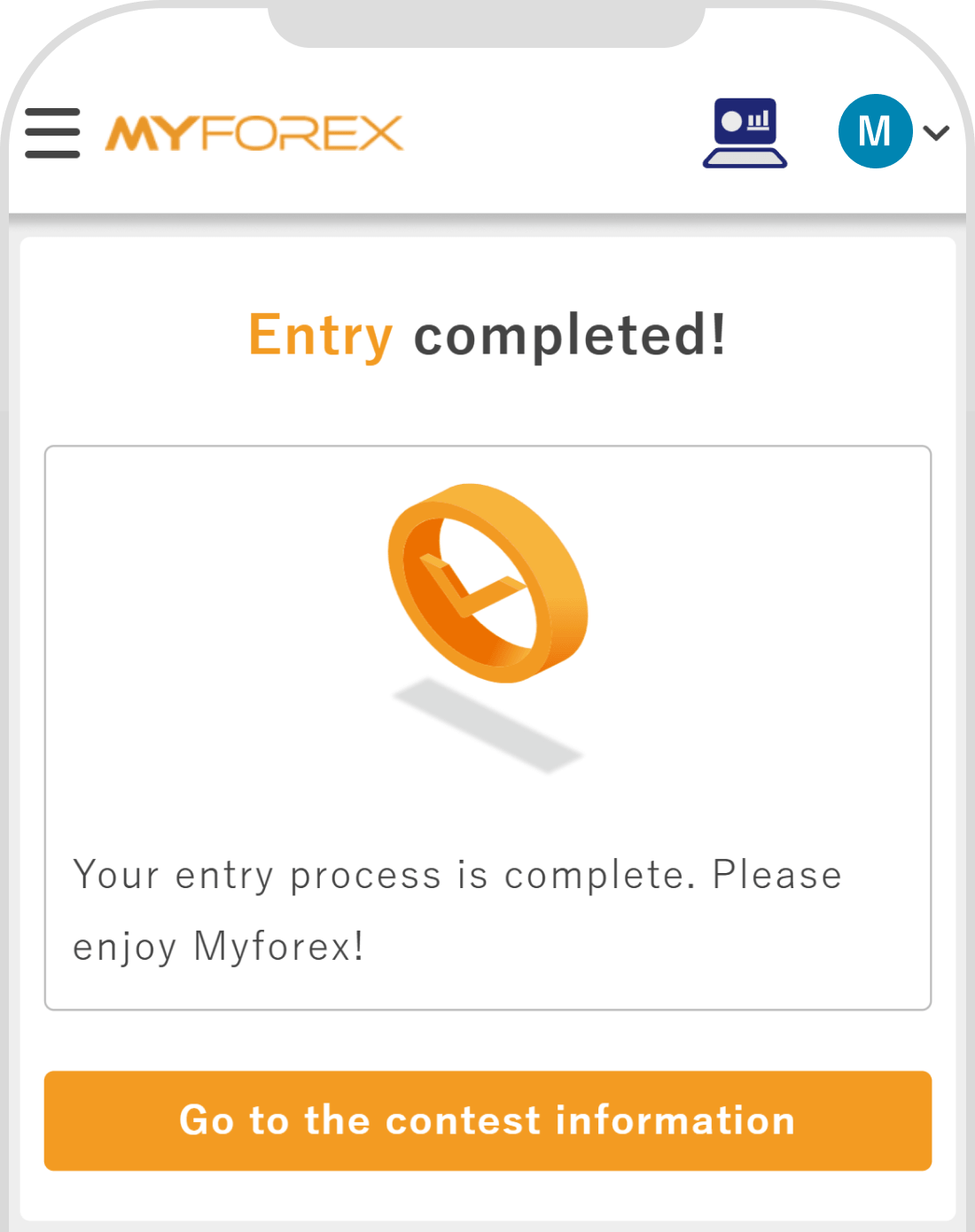
Once the entry application is received, "Entry completed!" will be displayed on the screen.
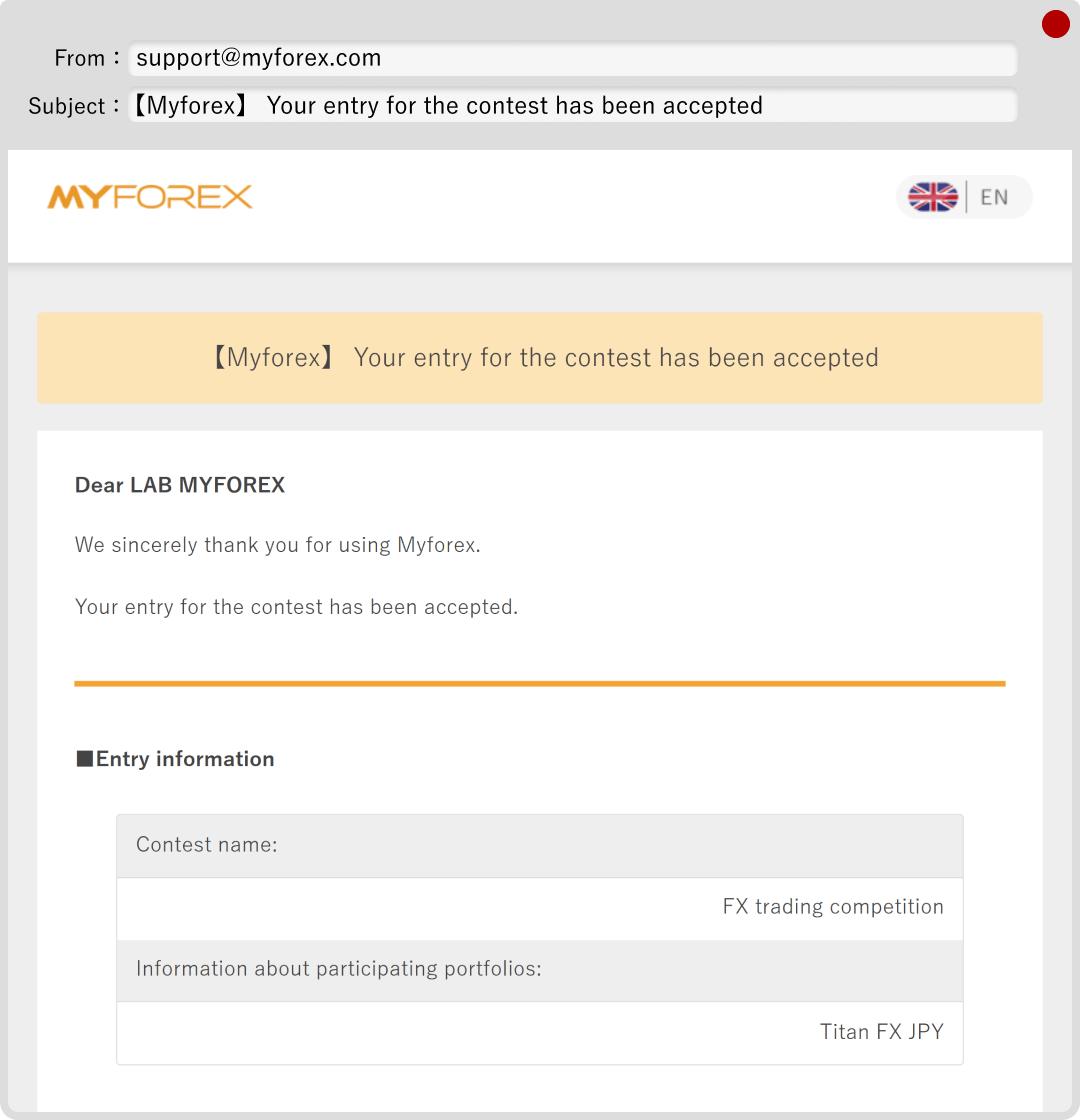
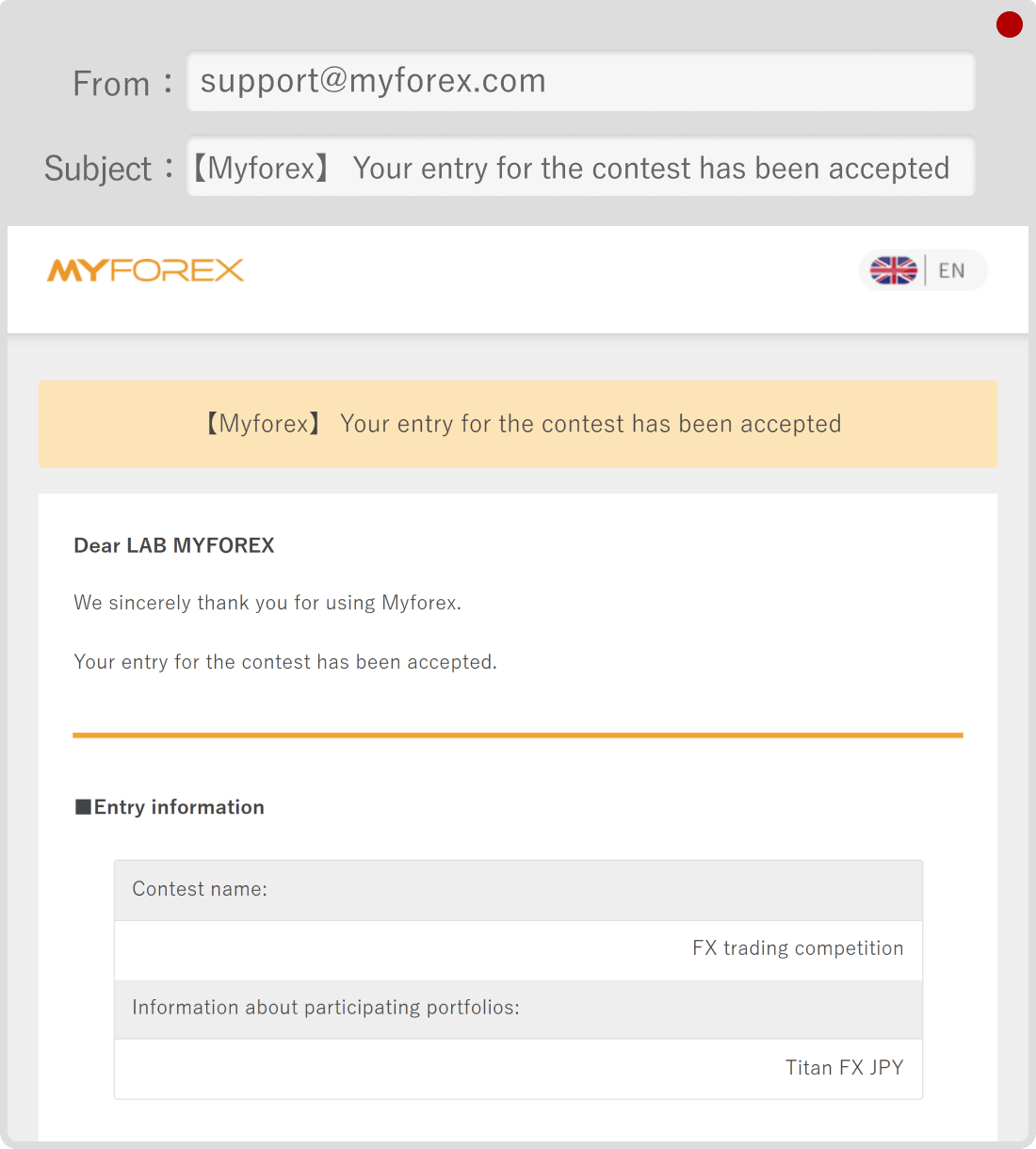
The following email will be sent to you.
Subject:【Myforex】Your entry for the contest has been accepted
 Notice
Your participation in the contest is not yet finalized at this stage.
After your entry application is received, an operator will review the details. During this review period, your status will appear as "Pending entry approval".
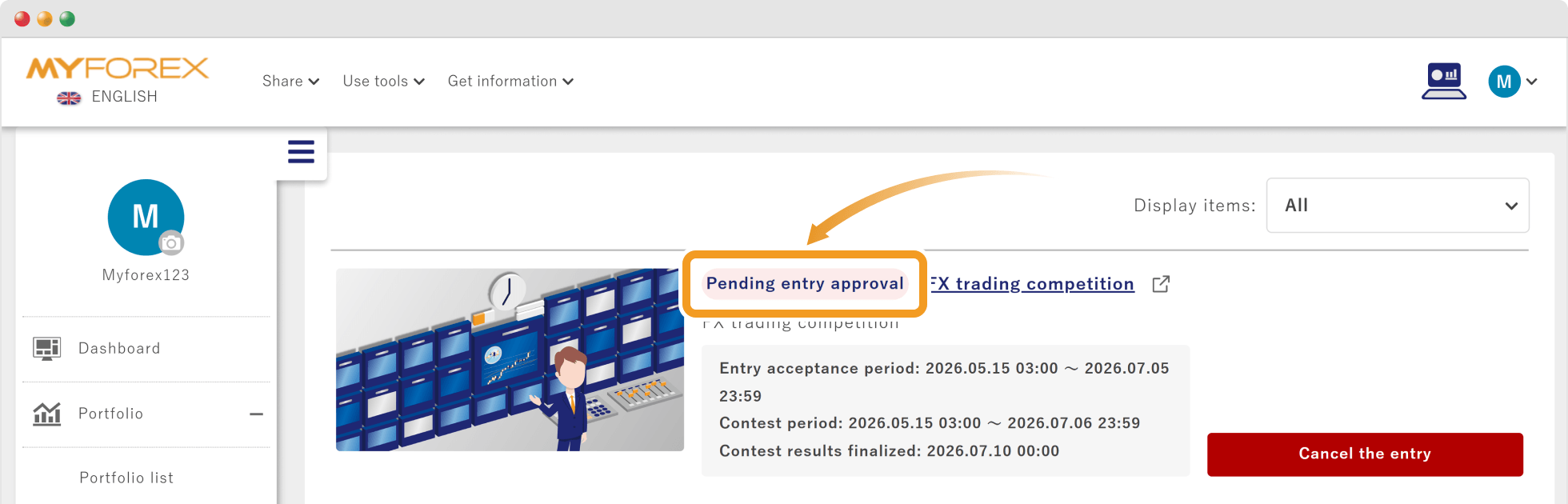
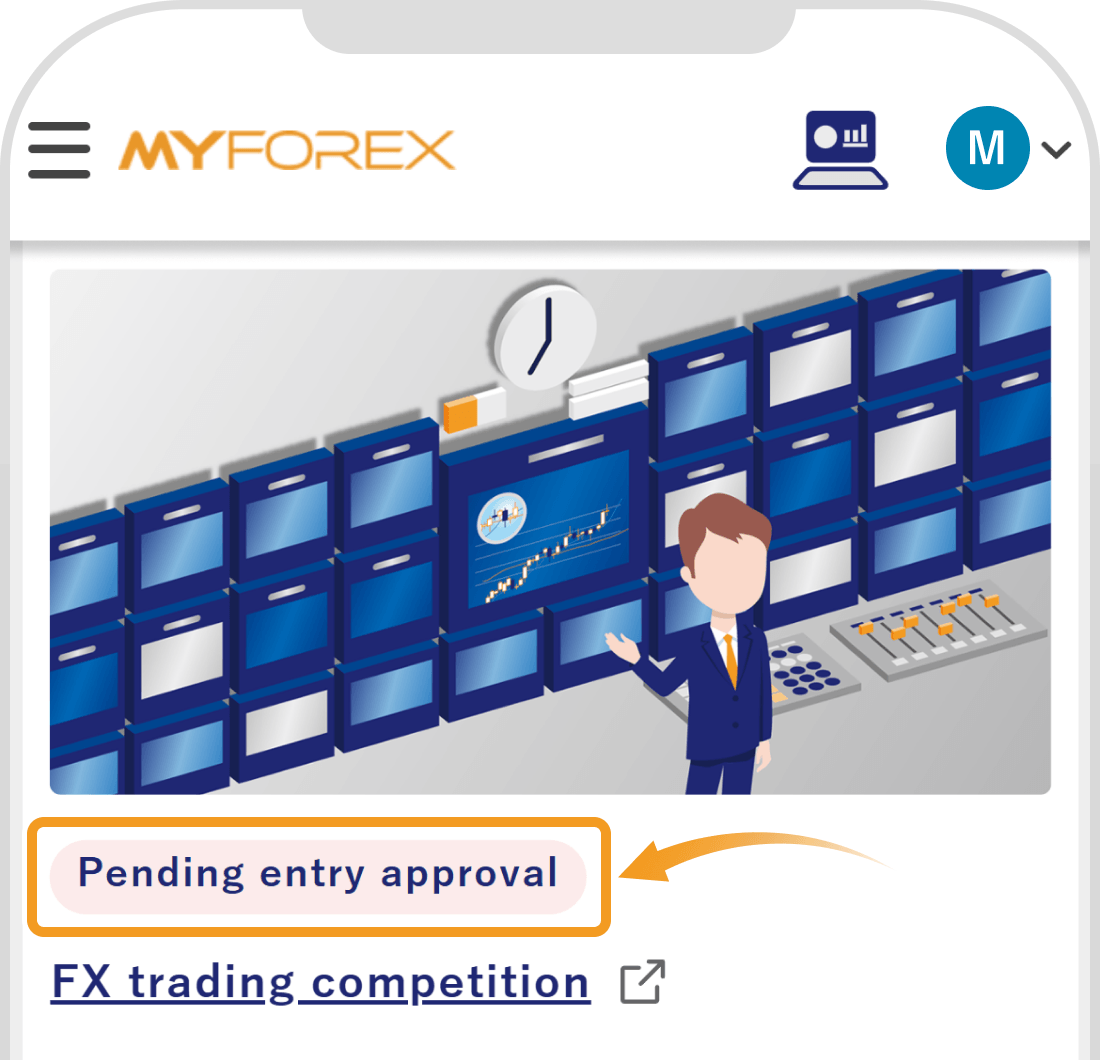
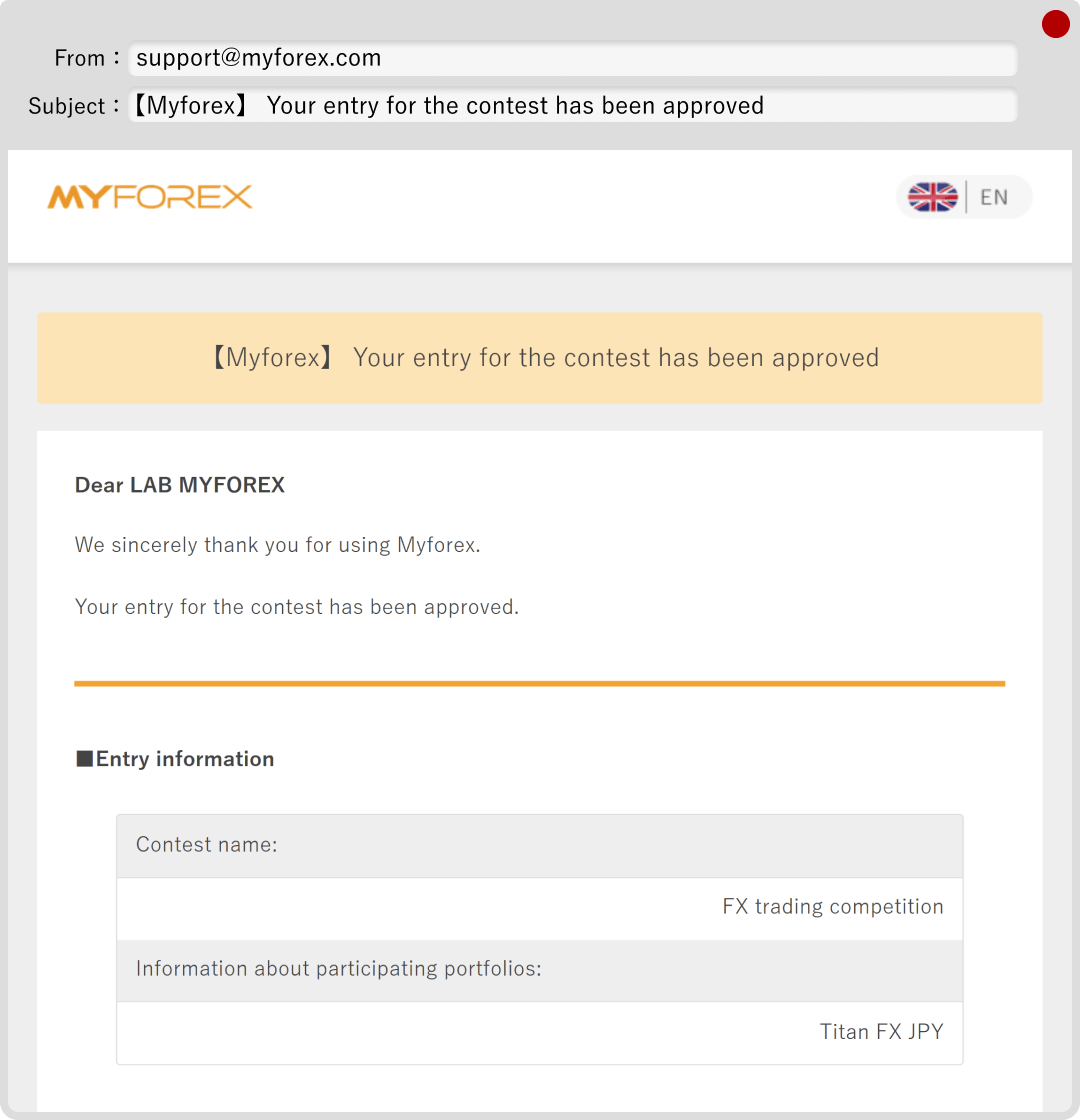
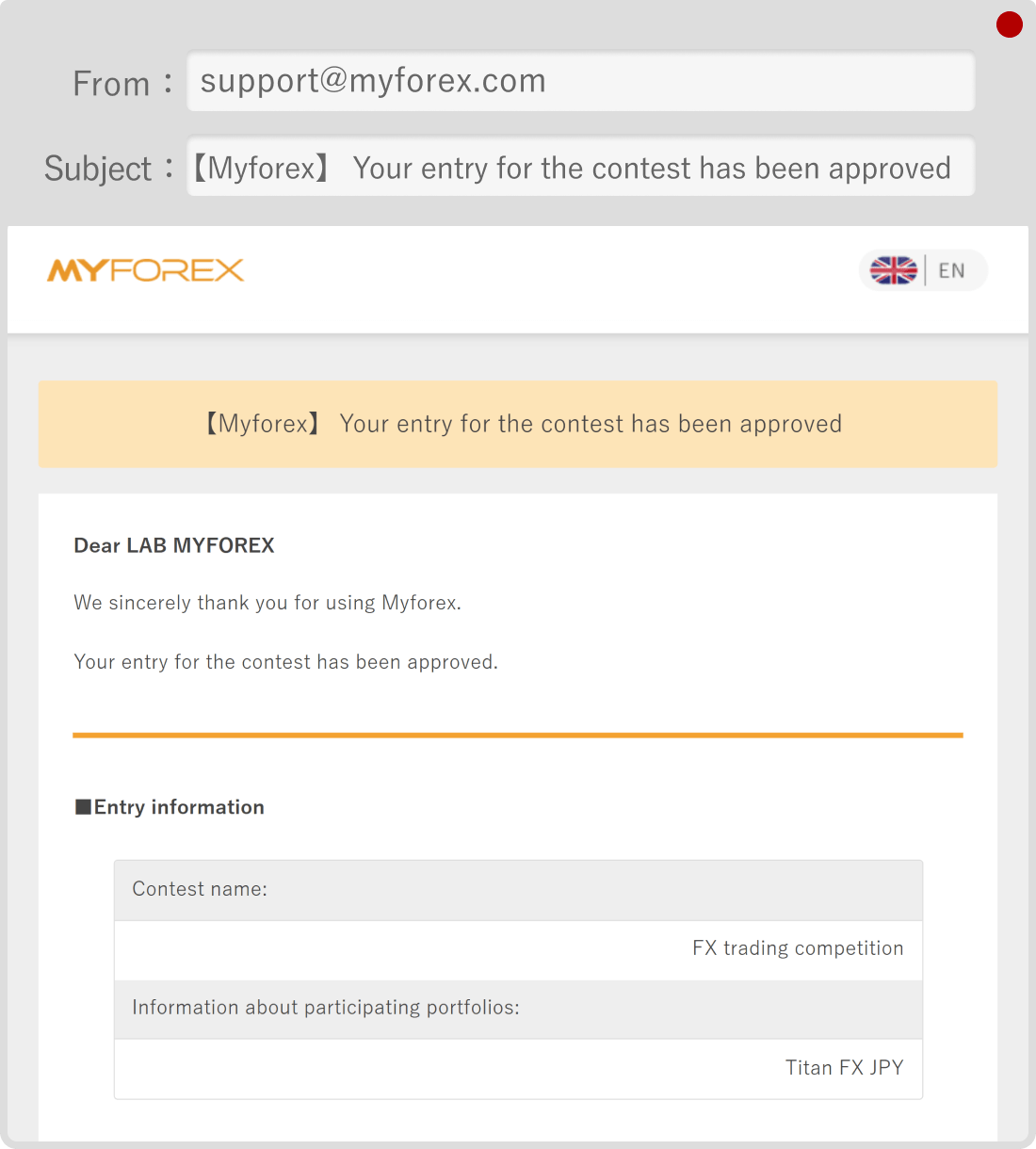
Once the operator approves your entry, your enrollment becomes official, and the following email will be sent to you.
Subject:【Myforex】Your entry for the contest has been approved
 Notice
If your entry is not approved, a notification email will be sent to your registered email address. The reason for the disapproval will be included in the email. Please review the details and, if necessary, reapply.
For information on how to check your performance during the contest or view the overall rankings (leaderboard), please refer to the FAQ below:
Related article:
Where can I see my contest performance and overall rankings?
You can cancel your entry as many times as you like, provided it is done during the entry period (before the contest starts).
However, please be aware that once the contest begins (is ongoing), you cannot cancel your entry or re-enter under any circumstances.
Click "Cancel the entry" located on the right side of the corresponding contest.
Tap "Cancel the entry" located below the corresponding contest.
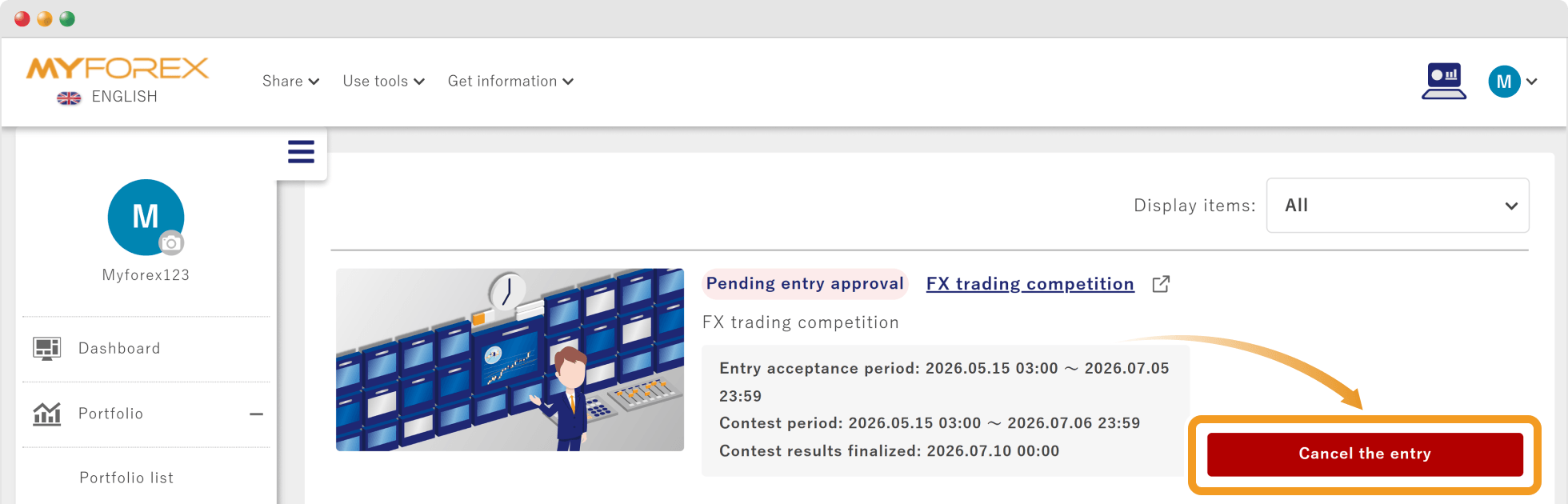
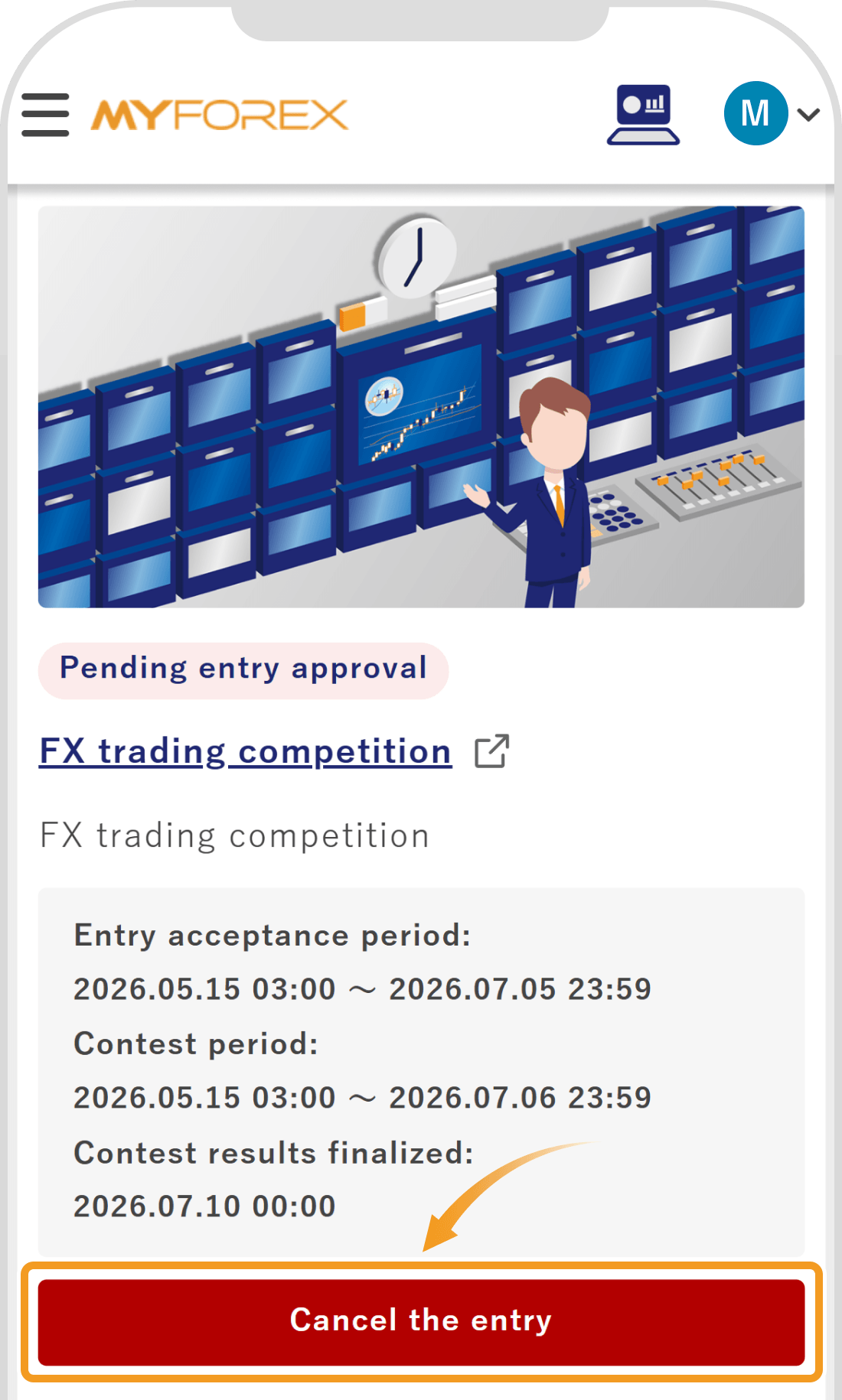
A confirmation pop-up/screen will appear. Verify the details and click "Cancel the entry" again.
A confirmation pop-up/screen will appear. Verify the details and tap "Cancel the entry" again.
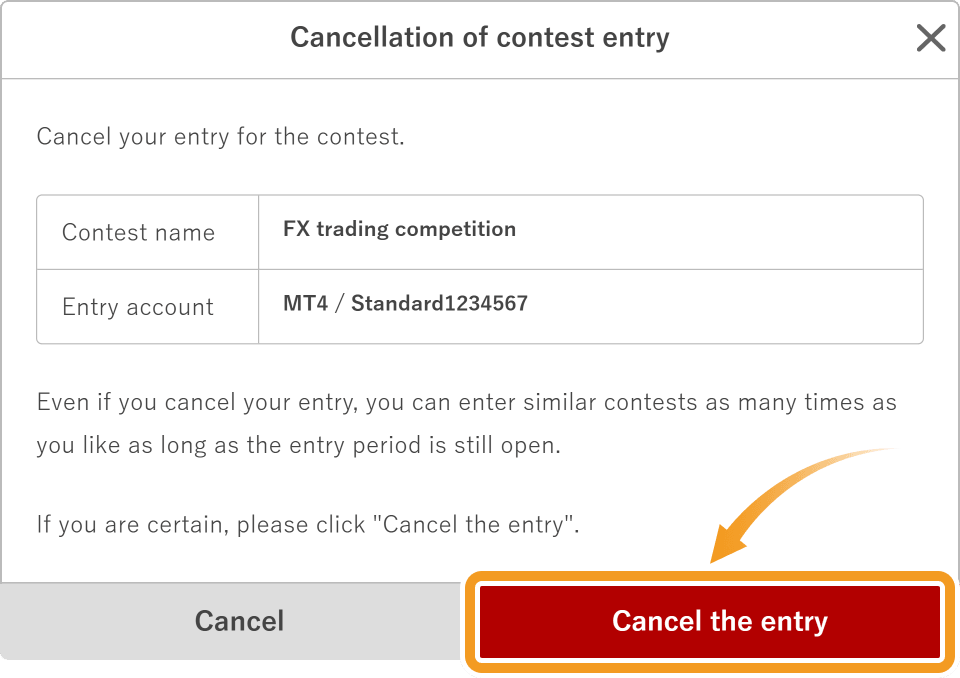
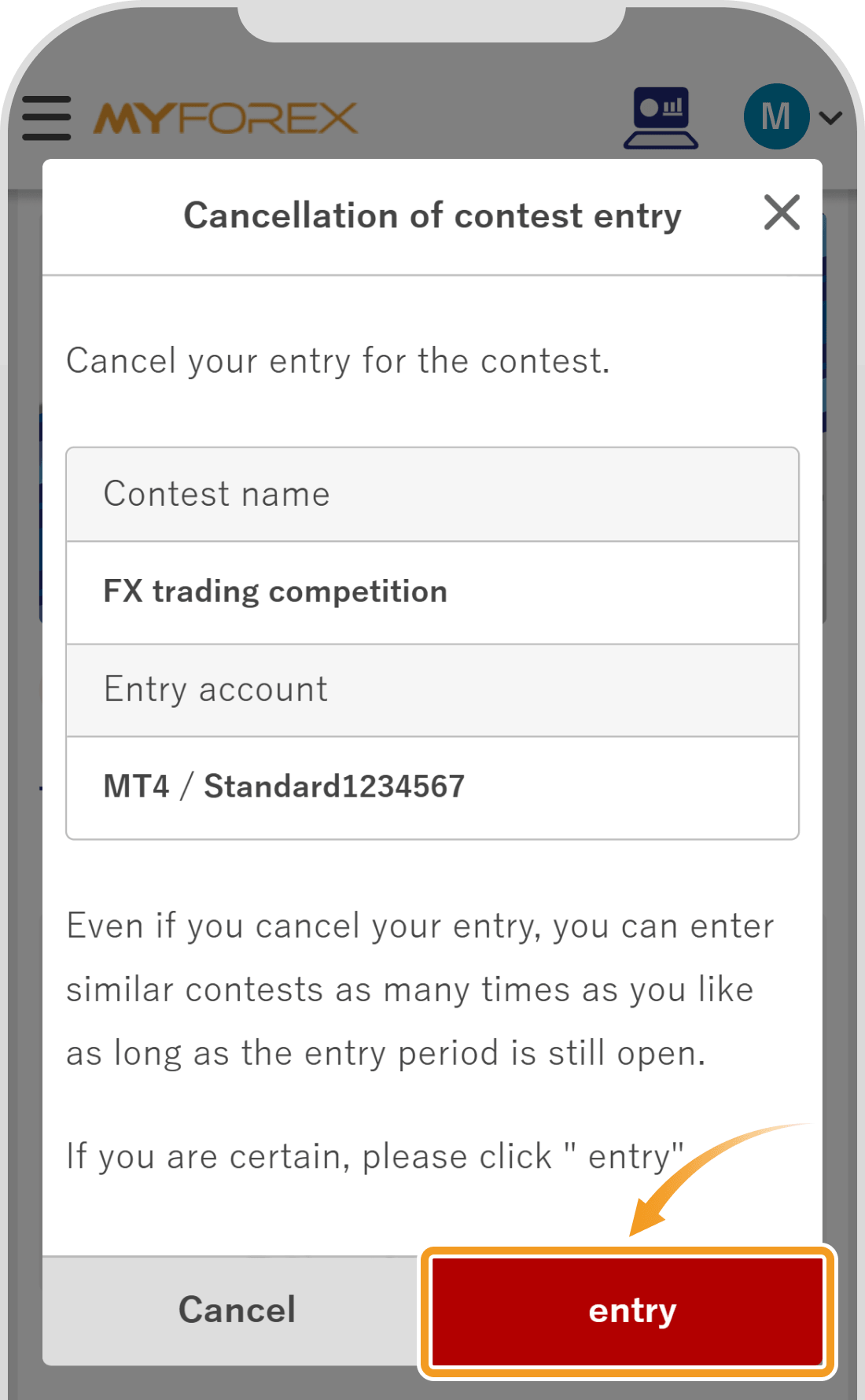
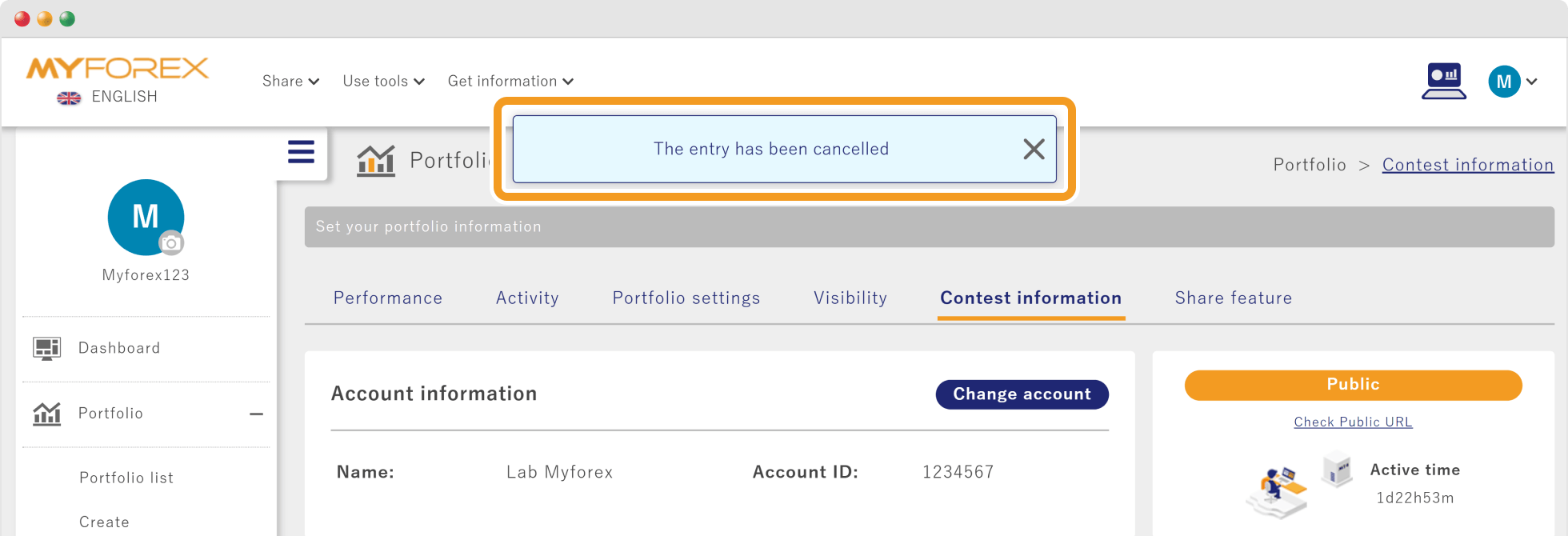
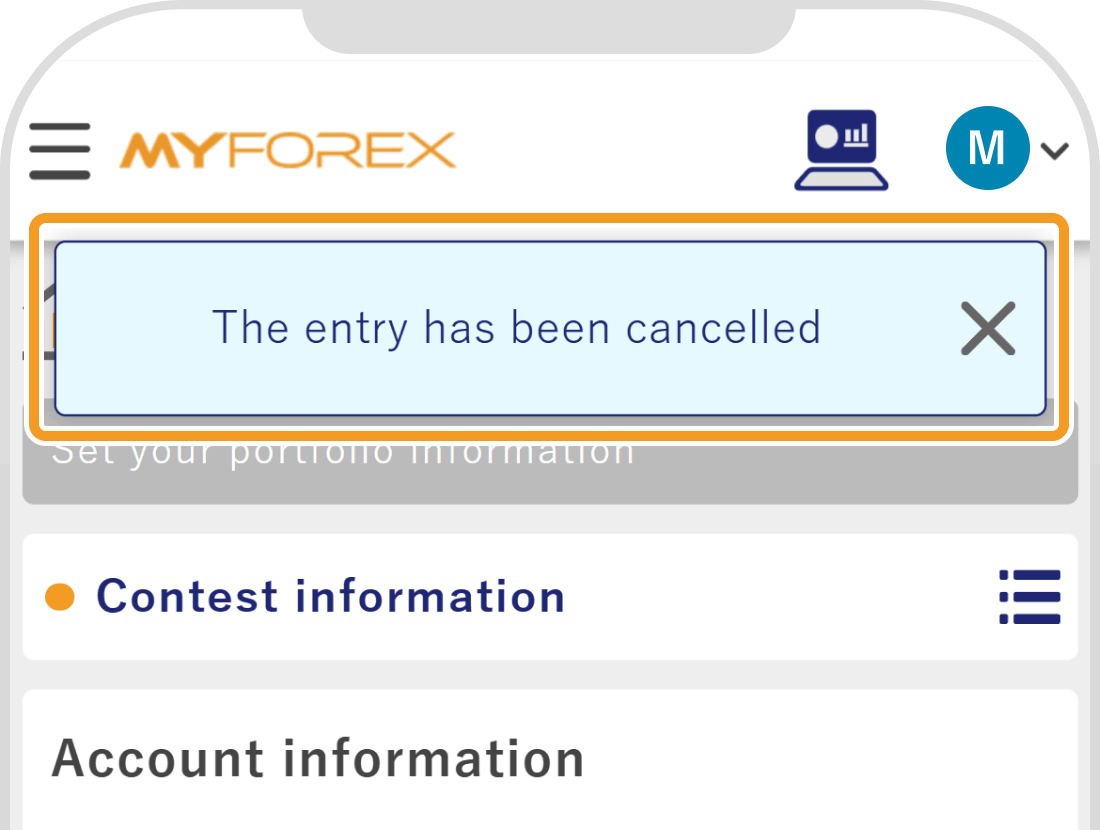
When the message "The entry has been cancelled" appears at the top of the screen, the cancellation procedure is complete.

Created
:2026.06.16

Last updated
:2026.08.25
That’s Great!
Thank you for your feedback
Sorry! We couldn't be helpful
Thank you for your feedback
Feedback sent
We appreciate your effort and will try to fix the article
We hope you find this article useful. Any comments or suggestions will be greatly appreciated.
We are also looking for writers with extensive experience in forex and crypto to join us.
Please contact us at support@myforex.com

Disclaimer:
All information and content provided on this website is provided for informational purposes only and is not intended to solicit any investment. Although all efforts are made in order to ensure that the information is correct, no guarantee is provided for the accuracy of any content on this website. Any decision made shall be the responsibility of the investor and Myforex does not take any responsibility whatsoever regarding the use of any information provided herein.
The copyright in our content belongs to us.
We welcome your use of our content within appropriate limits, including use through our sharing features, sharing on social media, and quotation. However, please refrain from unauthorized reuse, including but not limited to commercial use, reproduction with modification of content, or reproduction on websites that compete with us. We may take necessary measures, including but not limited to deletion of the relevant content, if we consider that the content has been used in an inappropriate or unauthorized manner.