

Created
:2025.11.28
When you try to delete a showcase, you may see the message "This showcase cannot be deleted because it is currently shown on your profile." In this case, the showcase cannot be deleted because it is designated for profile display. You can delete it by resetting the profile display settings or switching the profile display to another showcase.
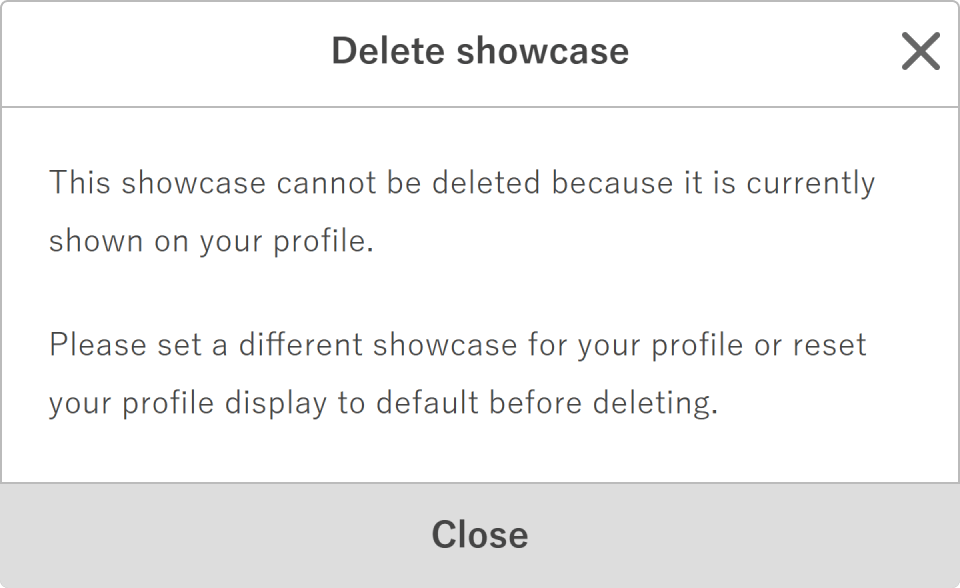
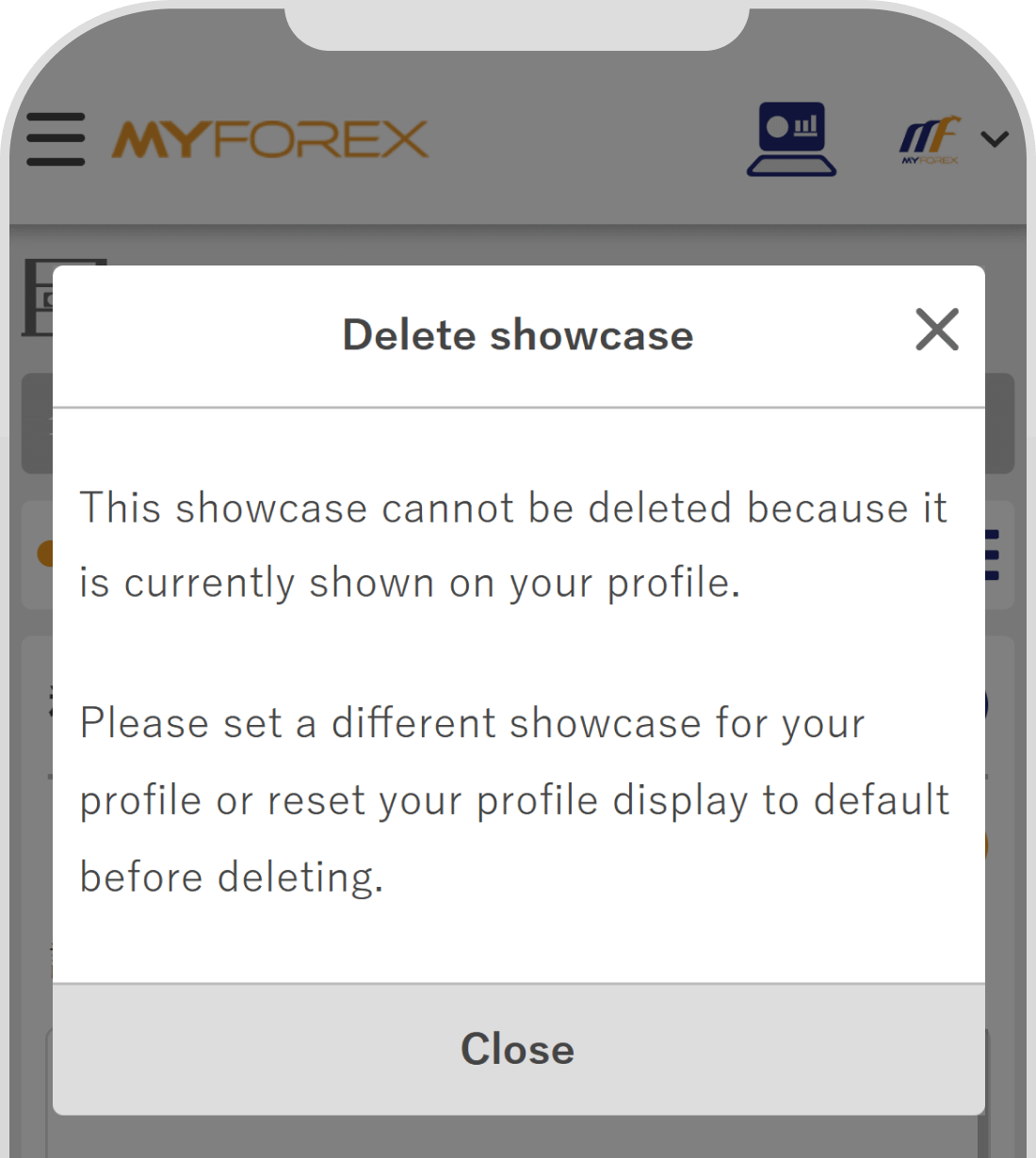
To delete a showcase, please try one of the following methods.
On Showcase list / Create page, click the "Update" button next to "Show this showcase on your profile" for the showcase you want to delete. Once the profile display setting is cleared, the showcase will become deletable.
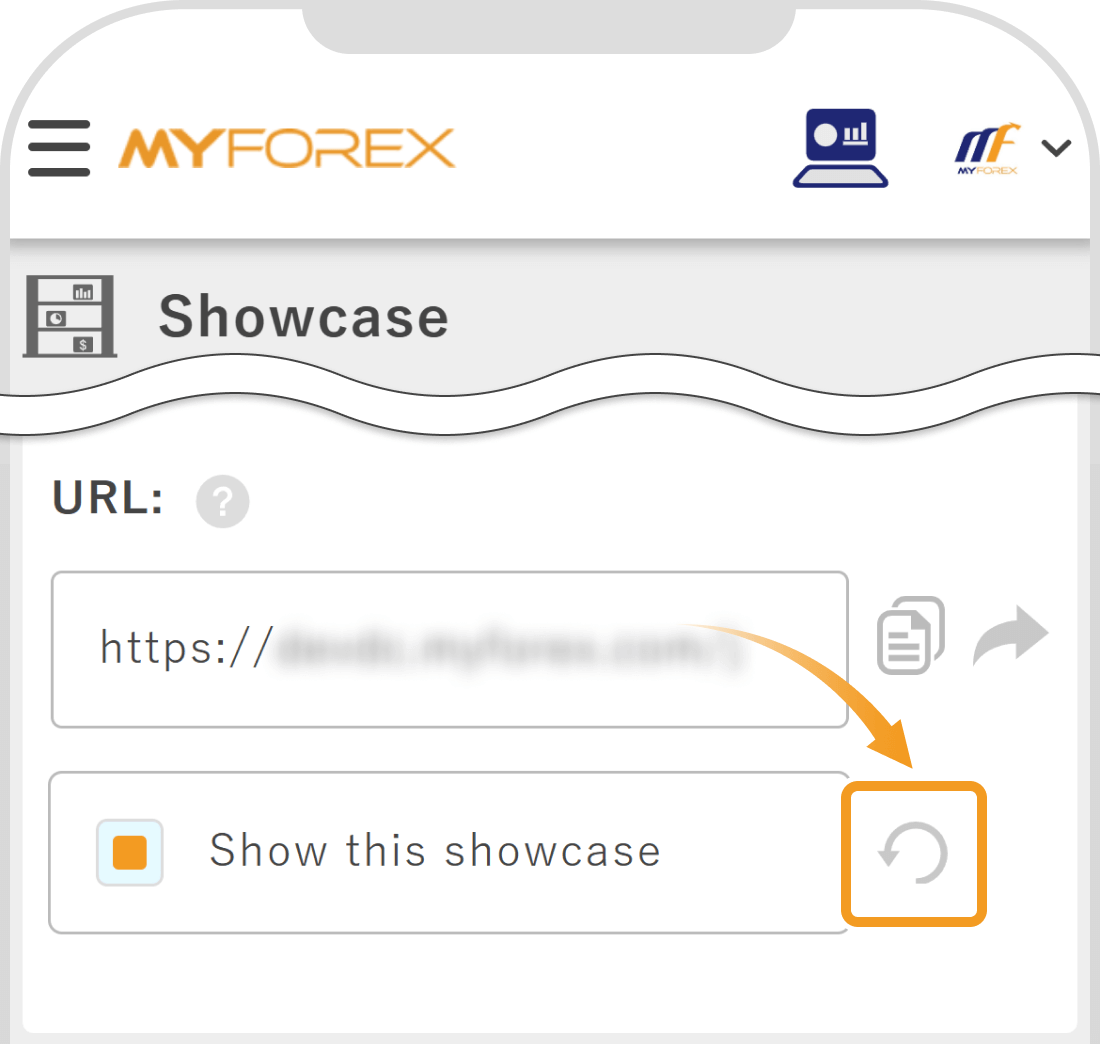
Tap the 3 lines icon in the top left corner, then go to Showcase list / Create. Tap the "Update" button next to "Show this showcase" for the showcase you want to delete. Once the profile display setting is cleared, the showcase will become deletable.
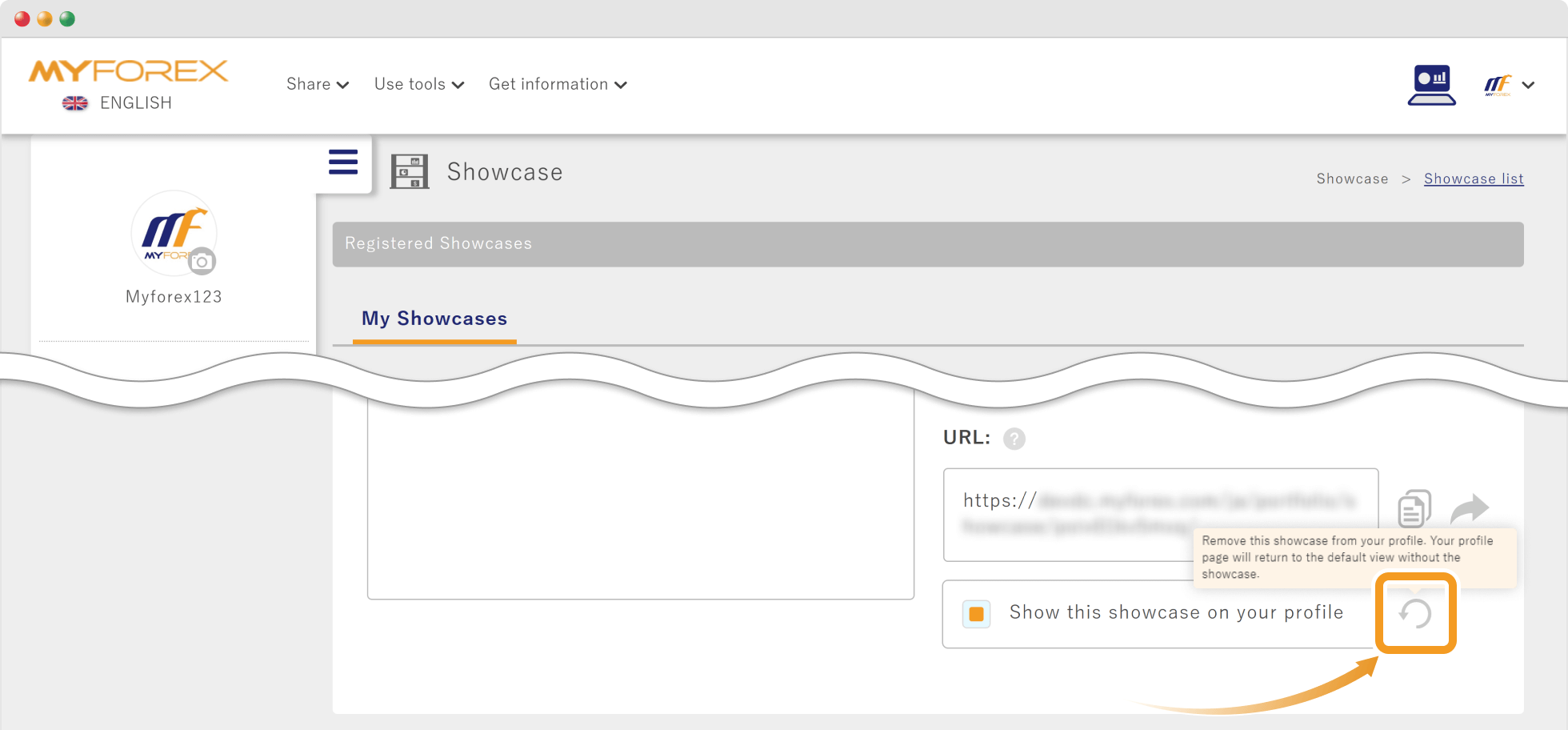
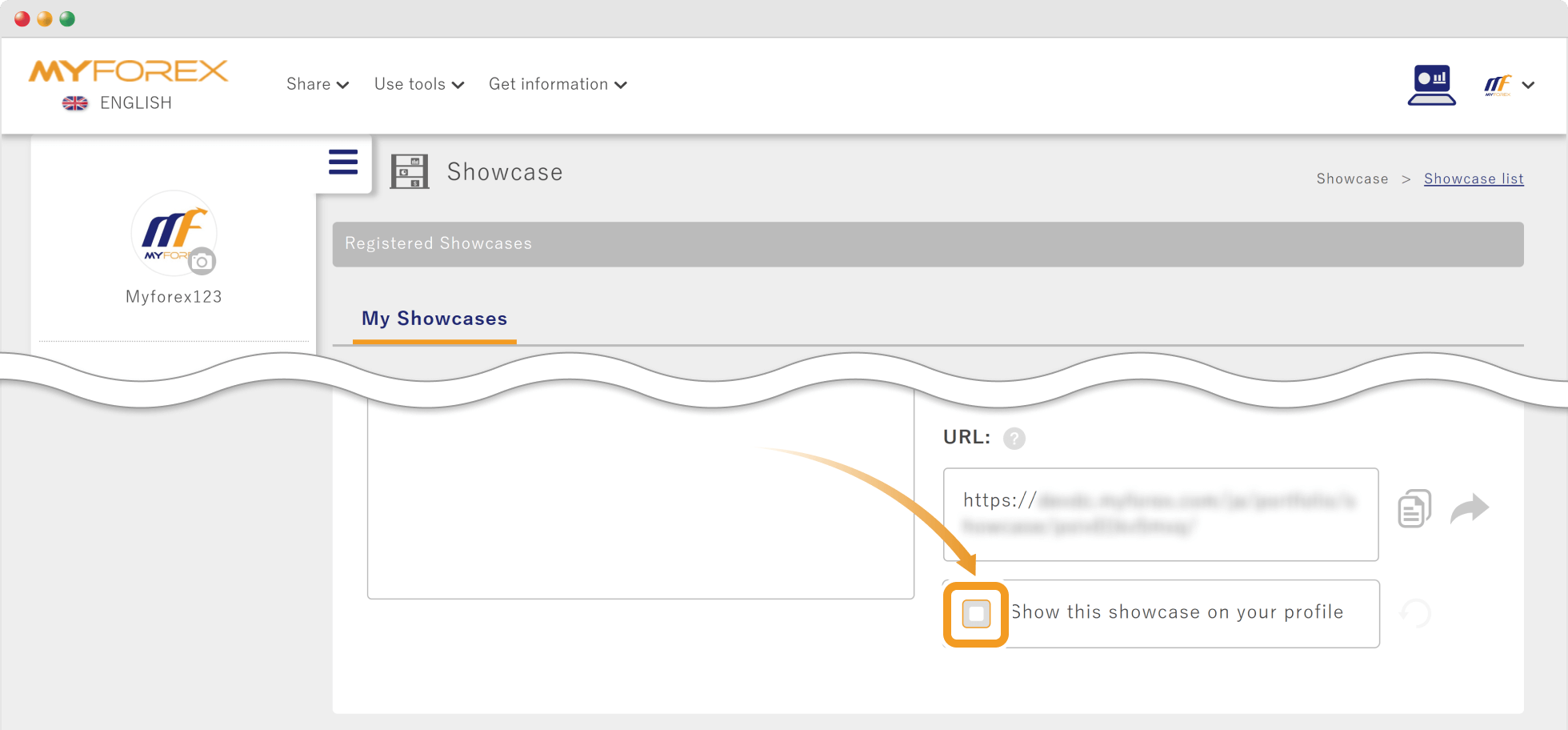
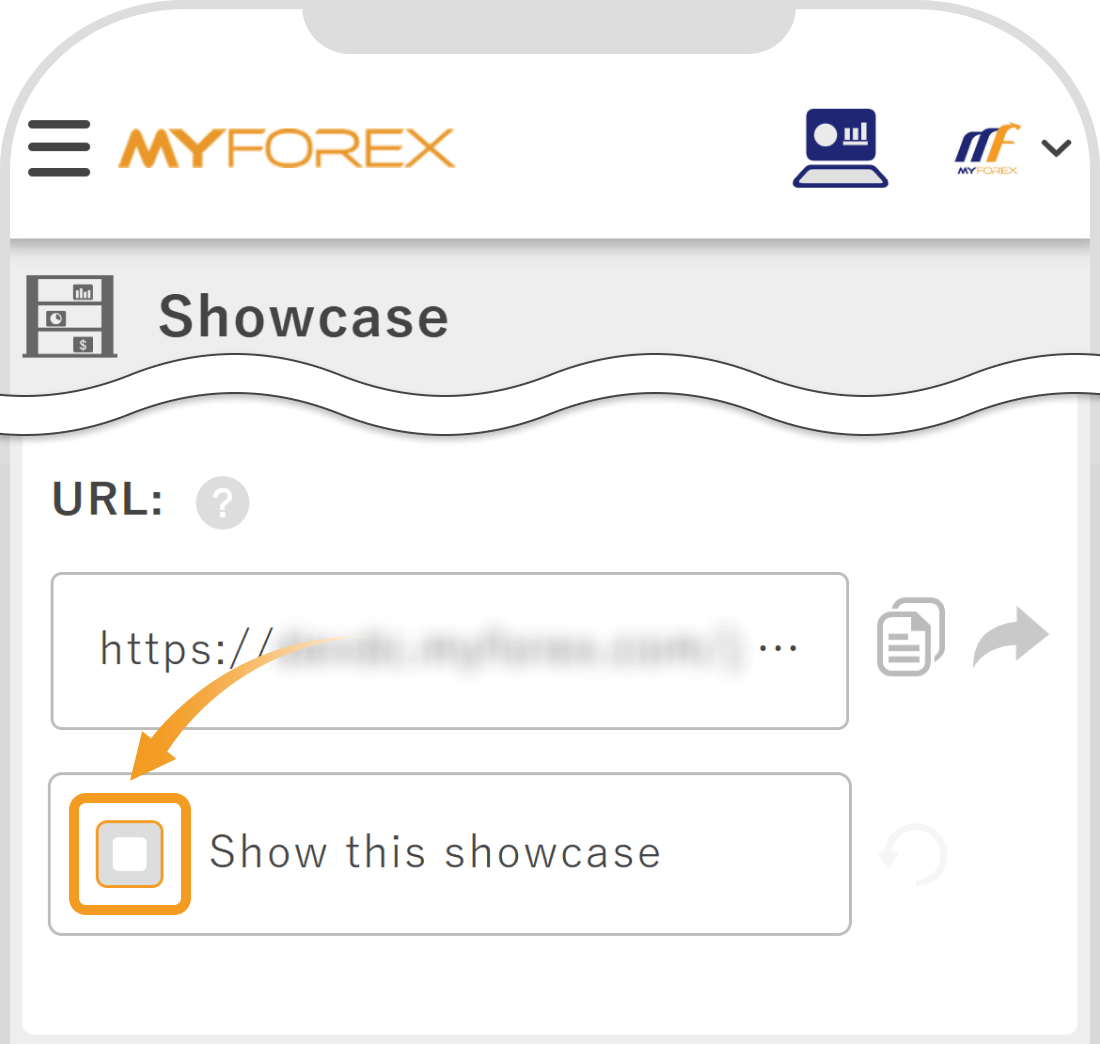
On Showcase list / Create page, check the box to the left of a different showcase you want to display on your profile. After switching the profile display to another showcase, the original showcase can be deleted.

Created
:2025.11.28

Last updated
:2025.12.18
That’s Great!
Thank you for your feedback
Sorry! We couldn't be helpful
Thank you for your feedback
Feedback sent
We appreciate your effort and will try to fix the article
We hope you find this article useful. Any comments or suggestions will be greatly appreciated.
We are also looking for writers with extensive experience in forex and crypto to join us.
Please contact us at support@myforex.com
Disclaimer:
All information and content provided on this website is provided for informational purposes only and is not intended to solicit any investment. Although all efforts are made in order to ensure that the information is correct, no guarantee is provided for the accuracy of any content on this website. Any decision made shall be the responsibility of the investor and Myforex does not take any responsibility whatsoever regarding the use of any information provided herein.
The copyright in our content belongs to us.
We welcome your use of our content within appropriate limits, including use through our sharing features, sharing on social media, and quotation. However, please refrain from unauthorized reuse, including but not limited to commercial use, reproduction with modification of content, or reproduction on websites that compete with us. We may take necessary measures, including but not limited to deletion of the relevant content, if we consider that the content has been used in an inappropriate or unauthorized manner.