

Created
:2024.02.29

If you encounter issues syncing your portfolio, checking the "Sync status" displayed on the screen will help you understand the current situation and the necessary actions to take. Many issues, such as temporary errors, can be resolved by following a few simple steps yourself.
This FAQ explains the three sync statuses, their meanings, and the specific troubleshooting steps to restore your sync to a normal state.
If the screen displays "Syncing properly.", your portfolio is updating without any issues and is operating as expected.
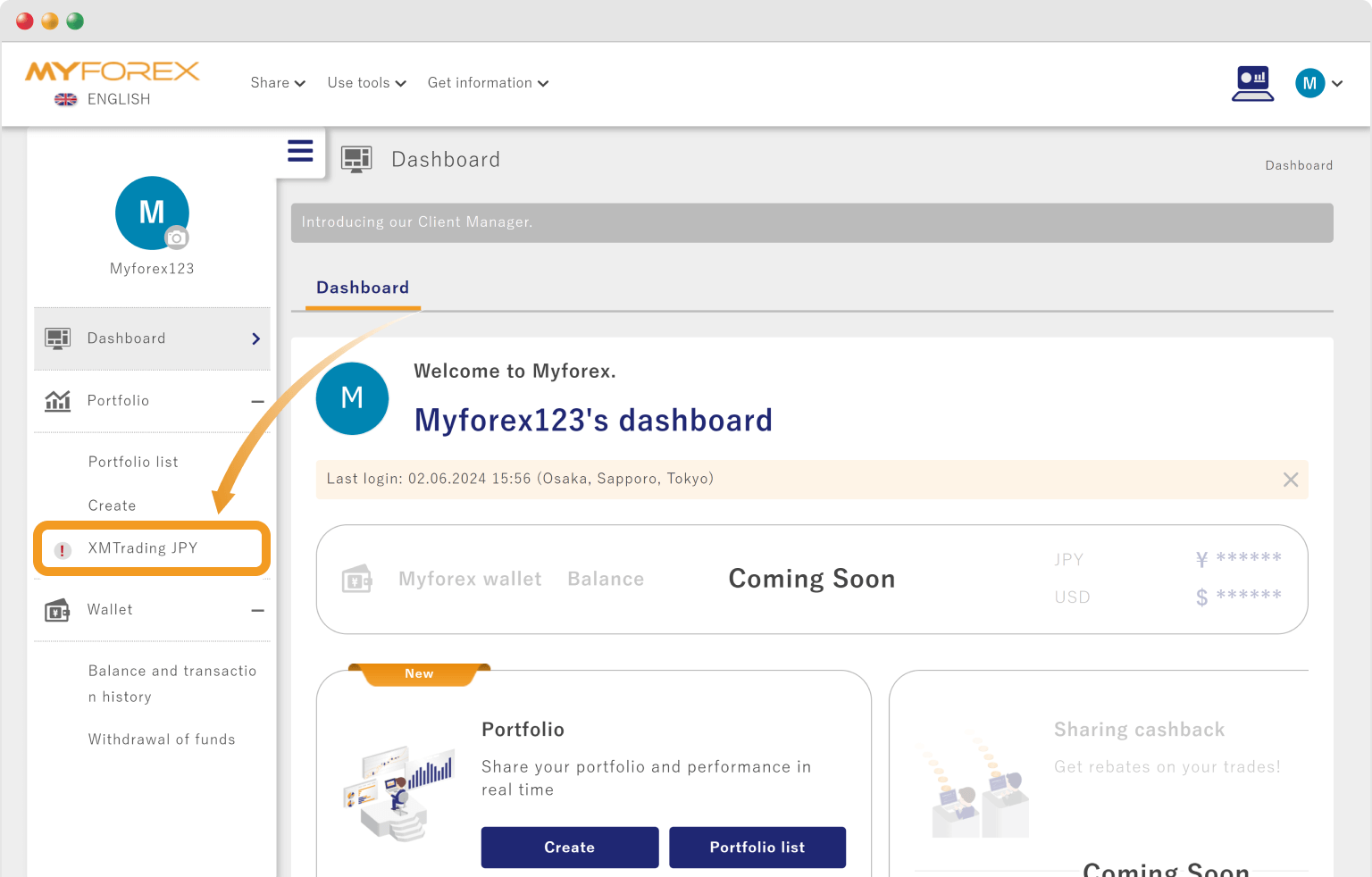
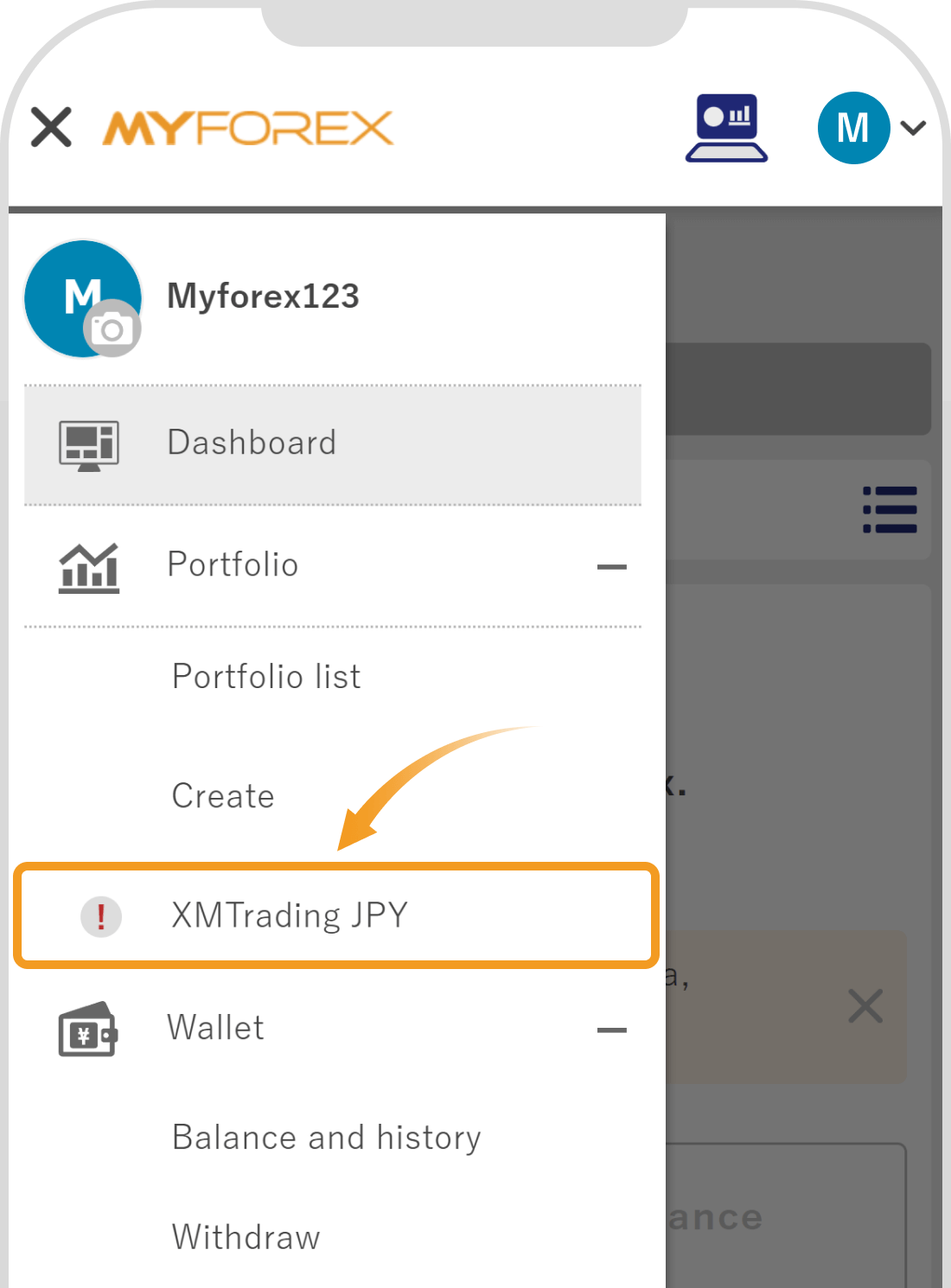
If the screen displays "Sync is paused," it means that you have manually paused the portfolio sync.
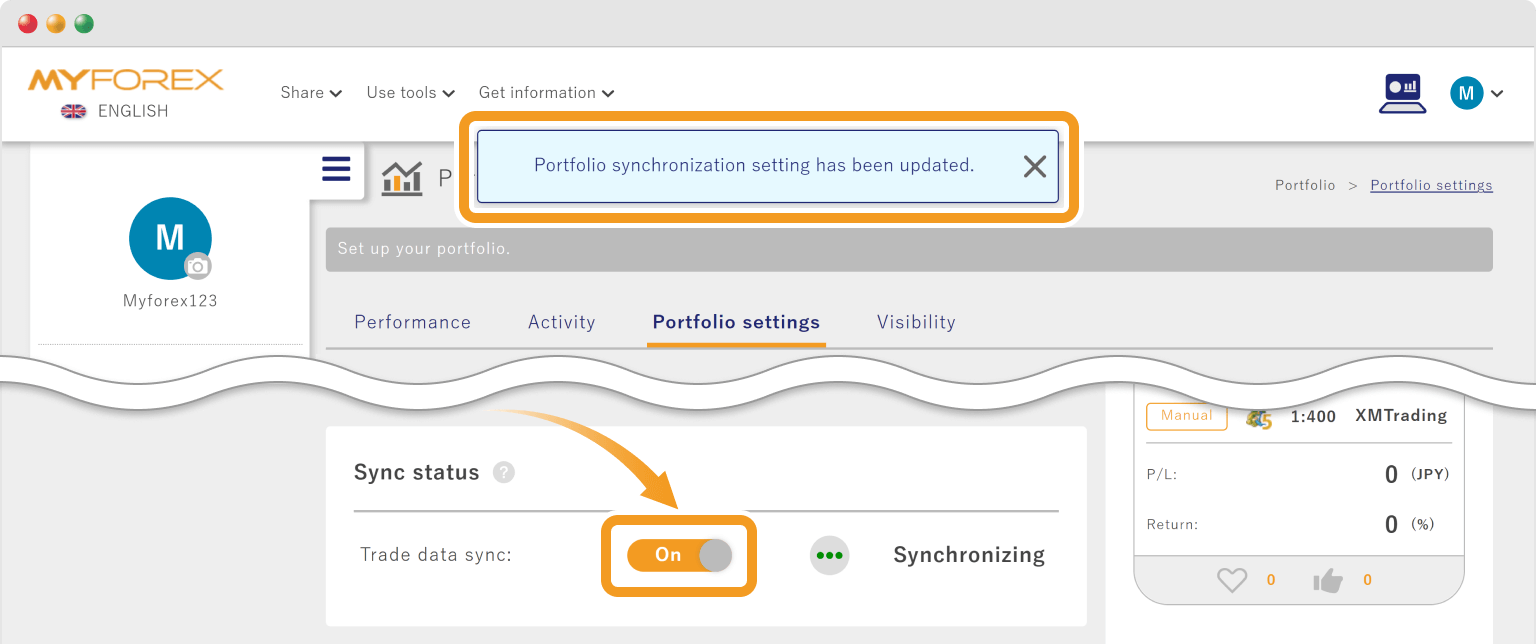
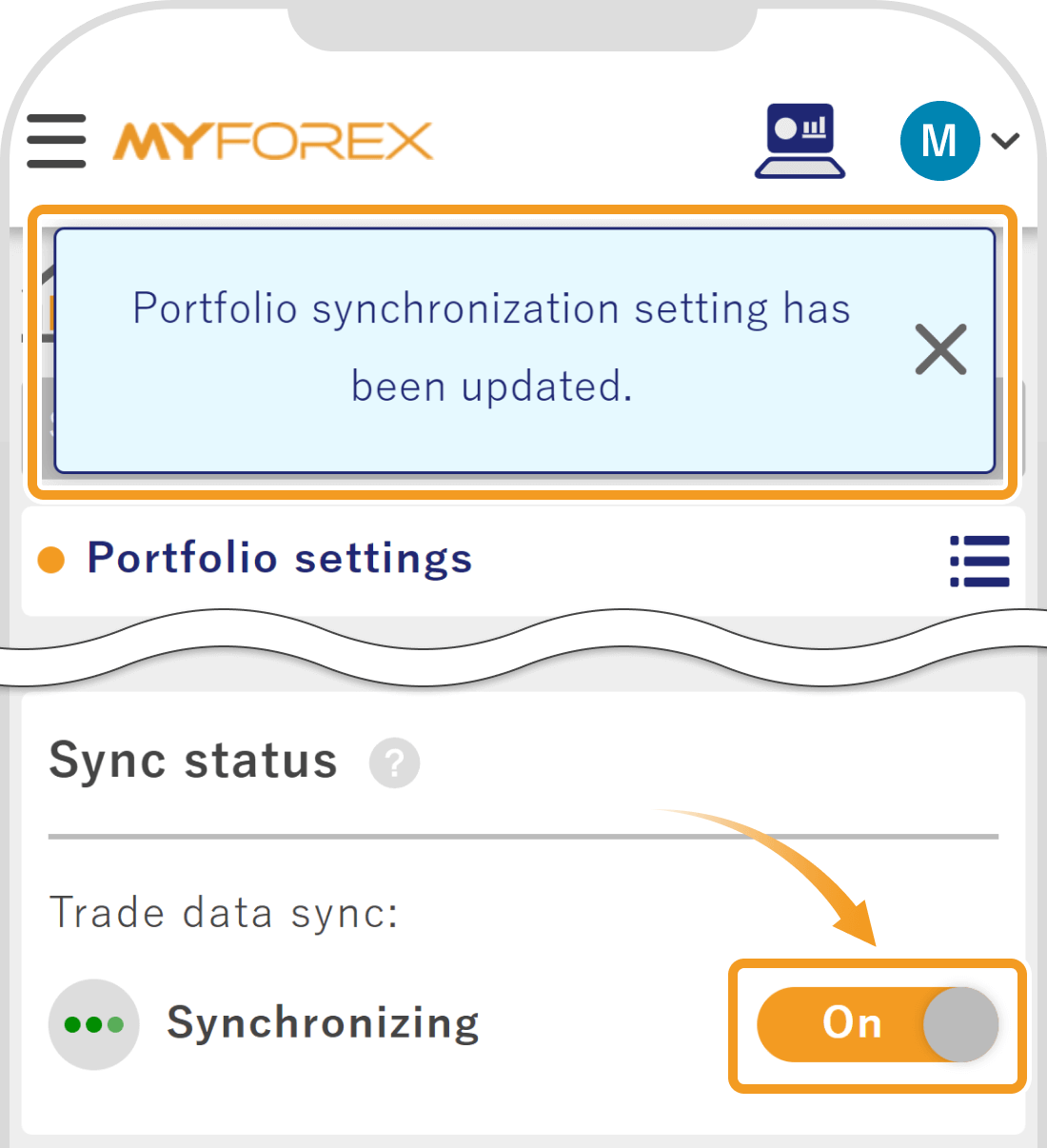
In most cases, sending a sync request by clicking the "Sync" button on the screen will return the status to "Syncing".
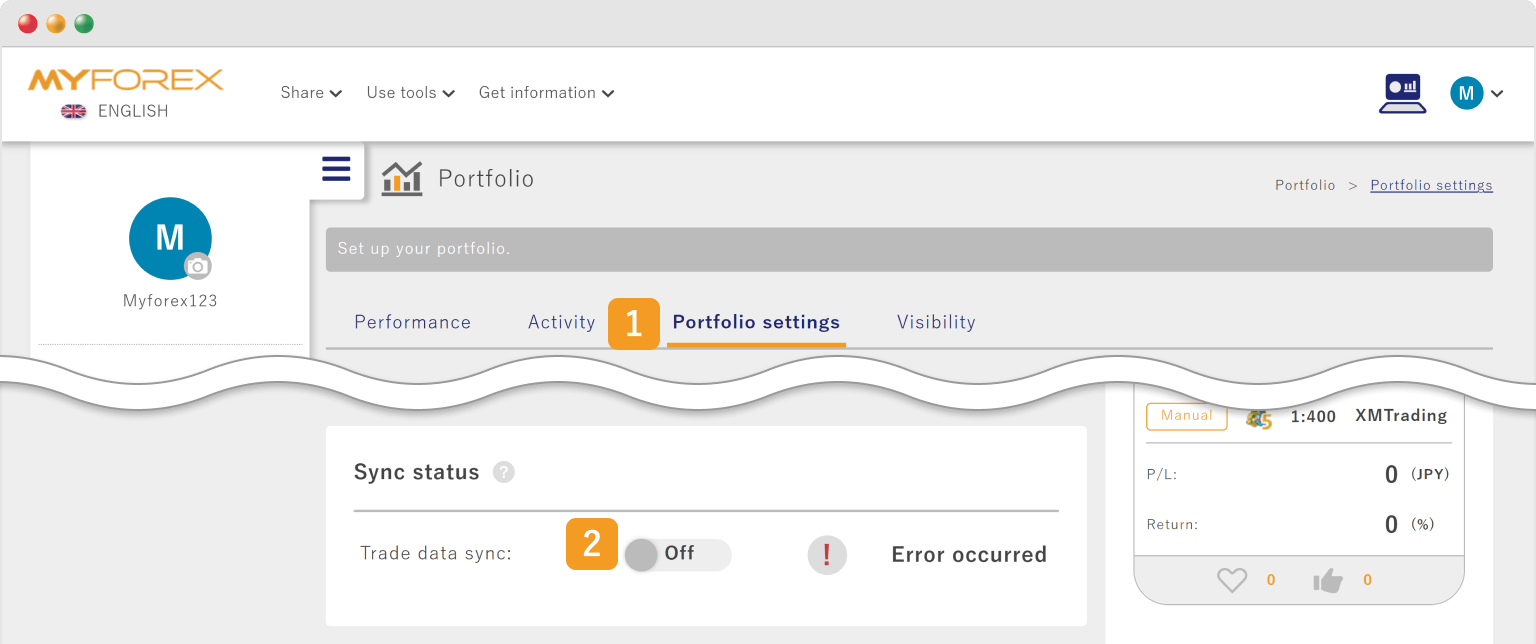
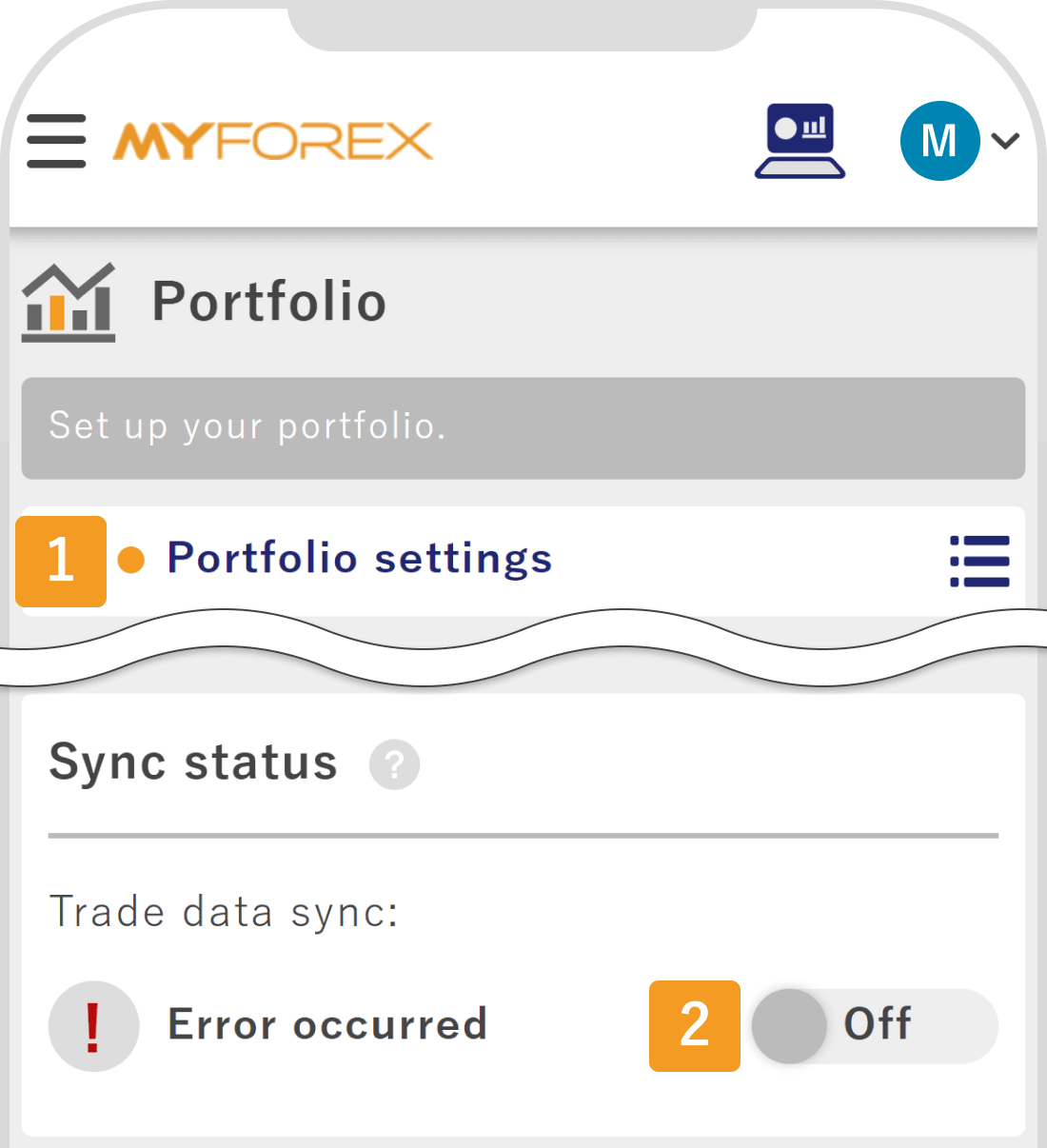
If the portfolio screen displays "Synchronization error.", it means access to your trading account cannot be established. This may be due to MT server (broker-side) maintenance, temporary connection errors, or account suspension/closure.
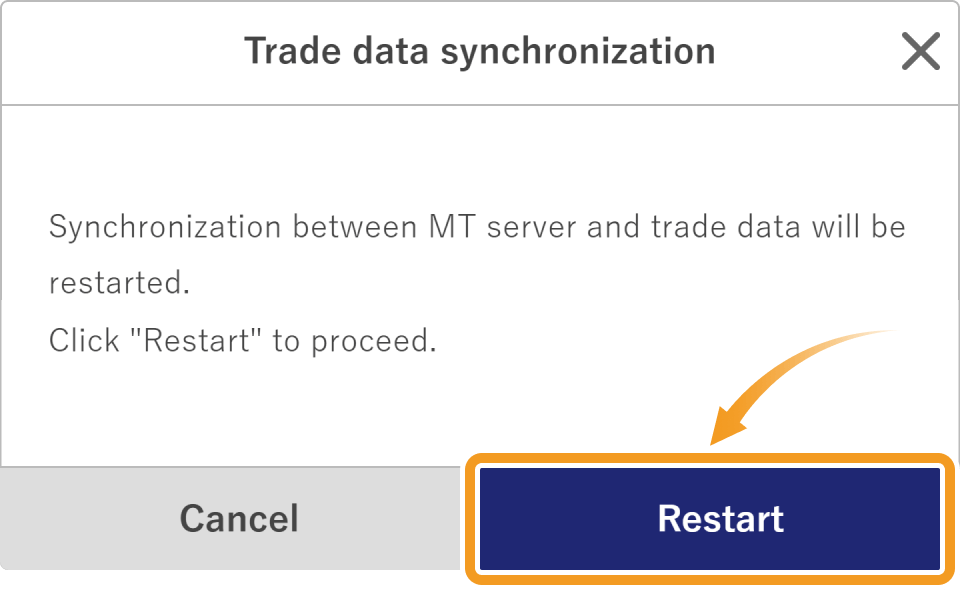
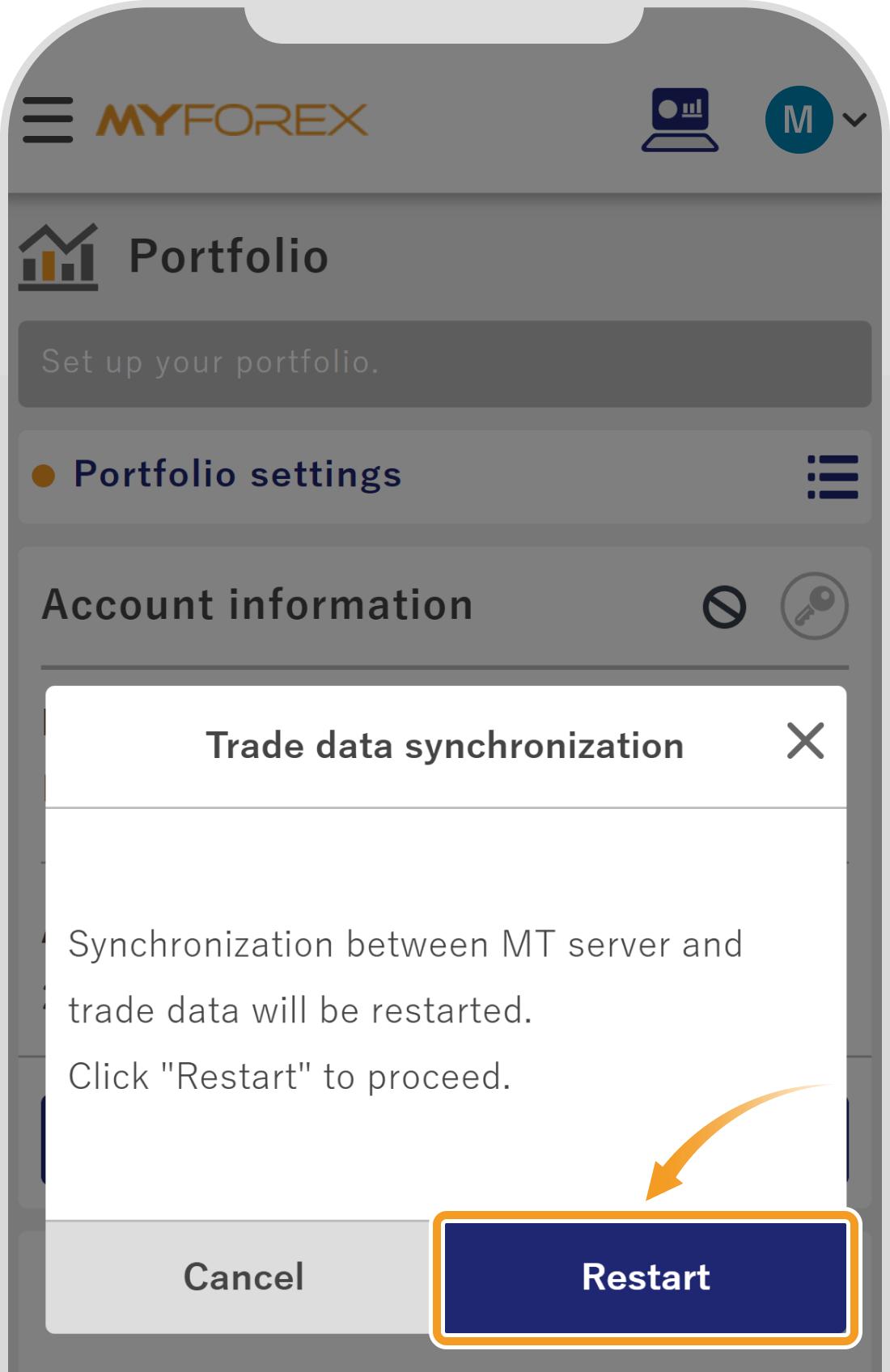
Using the "Synchronize" button on the portfolio screen sends a sync request, and the system attempts to retrieve the latest trade data.
Using the "Sync" button on the portfolio screen sends a sync request, and the system attempts to retrieve the latest trade data.
Since this operation often resumes synchronization for temporary errors or "Paused" states, please try this first.
If manual synchronization does not resolve the issue, the password or server name registered for your MT4/MT5 account in the portfolio may be outdated.
Please check again to see if there have been any changes to your password or server details.
If changes were made, updating your settings to the latest information via "Change account" will allow synchronization to resume normally.


Please refer to the following article for detailed update instructions.
If the error is not resolved after attempting all of the above troubleshooting steps, please contact us via the contact form.
Attaching a screenshot of the screen displaying the error will help us assist you more smoothly.

Created
:2024.02.29

Last updated
:2026.07.29
That’s Great!
Thank you for your feedback
Sorry! We couldn't be helpful
Thank you for your feedback
Feedback sent
We appreciate your effort and will try to fix the article
We hope you find this article useful. Any comments or suggestions will be greatly appreciated.
We are also looking for writers with extensive experience in forex and crypto to join us.
Please contact us at support@myforex.com

Disclaimer:
All information and content provided on this website is provided for informational purposes only and is not intended to solicit any investment. Although all efforts are made in order to ensure that the information is correct, no guarantee is provided for the accuracy of any content on this website. Any decision made shall be the responsibility of the investor and Myforex does not take any responsibility whatsoever regarding the use of any information provided herein.
The copyright in our content belongs to us.
We welcome your use of our content within appropriate limits, including use through our sharing features, sharing on social media, and quotation. However, please refrain from unauthorized reuse, including but not limited to commercial use, reproduction with modification of content, or reproduction on websites that compete with us. We may take necessary measures, including but not limited to deletion of the relevant content, if we consider that the content has been used in an inappropriate or unauthorized manner.